The Chhattisgarh Board of Secondary Education (CGBSE) is set to announce the Class 10 and Class 12 results for 2026 online. Students across the state are preparing for one of the most awaited academic updates of the year. As result day often brings heavy website traffic and a rush of logins, being prepared in advance can make the process smooth and stress-free.
Essential Items to Keep Ready Before Checking Results
Students are advised to keep a few basic but important things ready before checking their results. The most crucial requirement is the roll number mentioned on the admit card, as it is mandatory to access the scorecard online. Without it, students will not be able to view their results on the official portals.
Checklist for a Hassle-Free Experience
- Roll number (must-have): Mentioned on the admit card; required for login.
- Admit card / hall ticket: Keep it ready for reference and verification.
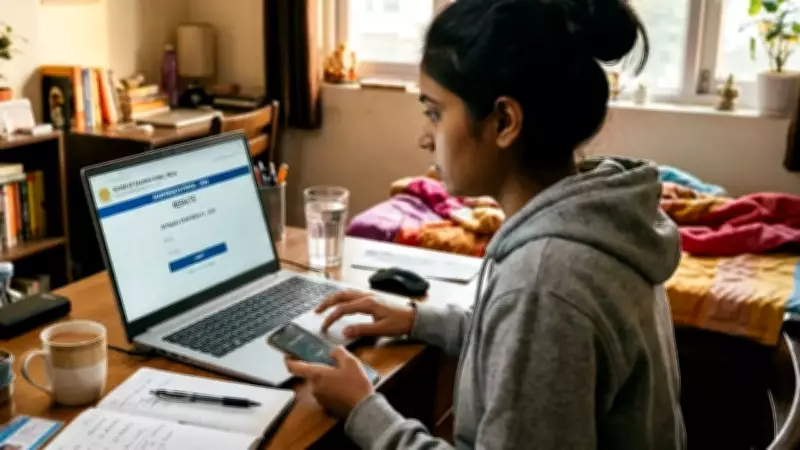
- Fully charged mobile phone / laptop / computer: For uninterrupted access.
- Stable internet connection: Helps avoid delays or page errors.
- Official websites saved: cgbse.nic.in and results.cg.nic.in.
- DigiLocker login details (optional): For downloading digital marksheet.
- Printer access (optional): For printing the provisional result copy immediately.
- Personal details ready: Such as date of birth, if required during login.
How to Download the CGBSE Class 12 Marksheet
To download the scorecard, students can follow the below steps:

- Visit any of the official platforms.
- Click on the “CGBSE Class 12 Result 2026” link.
- Enter the roll number along with required credentials.
- Download and print the marksheet for future use.
Students can also check the CGBSE Class 10 Result, CGBSE Class 12 Result, and Telangana SSC Class 10 Result online on TOI.