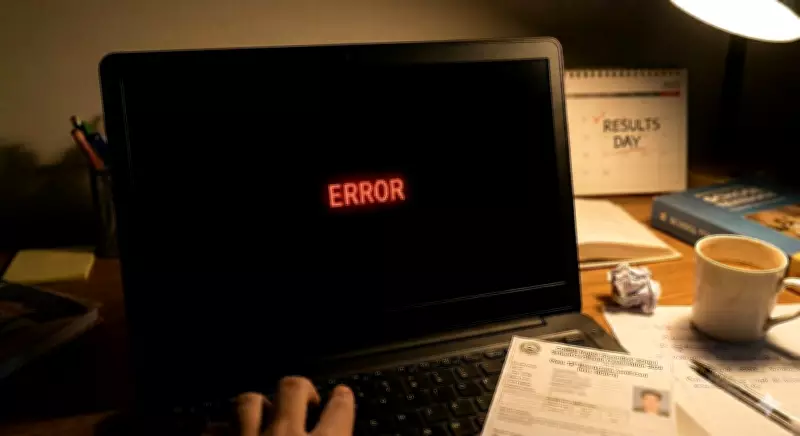
The Council for the Indian School Certificate Examinations (CISCE) will declare the ICSE (Class 10th) and ISC (Class 12th) results today at 11 am. As lakhs of students eagerly await their results, the official websites often experience high traffic, leading to crashes or slow loading times.
What to Do If the Website Crashes
If the website is slow or unresponsive, students should wait for a few minutes and refresh the page instead of repeatedly clicking. Using a stable internet connection or switching to a different browser can also help. In many cases, the website starts working again once the traffic reduces slightly.
Steps to Download ICSE and ISC Results 2026
- Visit the official website at cisce.org or results.cisce.org.
- Select the relevant exam: ICSE or ISC.
- Enter your Unique ID, Index Number, and CAPTCHA code.
- The result will appear on the screen.
- Download or print the marksheet for future reference.
Alternative Ways to Check Marks
DigiLocker
If the official website remains down, DigiLocker is the most reliable backup. Students can log in using their credentials, such as Index Number, Unique ID, and Date of Birth. Once logged in, the digital marksheet will be available for download and can be stored safely for future use.

Check Through School
Students can also contact their respective schools. Institutions have access to results through the CAREERS portal, where principals can download the complete tabulation register. Schools can share individual marks with students even if the public website is slow.
Students are advised to keep their login details handy and avoid panic if the website is slow. With these alternative methods, accessing results should be hassle-free.