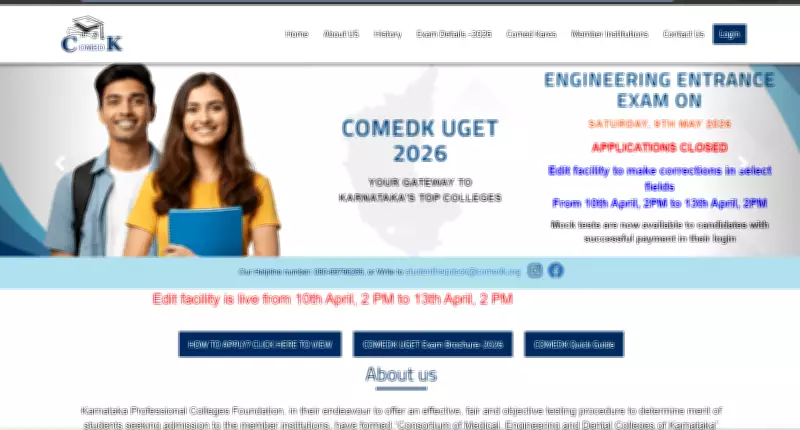
COMEDK Activates UGET 2026 Correction Window: Crucial Dates and Guidelines for Aspirants
The Consortium of Medical, Engineering, and Dental Colleges of Karnataka (COMEDK) has officially launched the correction facility for the Karnataka Undergraduate Entrance Test (UGET) 2026. This critical window is now active, providing candidates with a limited opportunity to revise their application details before the final submission deadline.
Correction Window Schedule and Important Deadlines
The correction facility for COMEDK UGET 2026 is available from April 10 to April 13, 2026. Candidates must complete all necessary edits by 2 PM on April 13, as the window will close promptly at that time. The COMEDK UGET examination itself is scheduled to be conducted on May 9, 2026, making this correction period a vital step in the application process.
Editable Fields and Restrictions in the Correction Window
During this correction window, candidates will have the ability to modify several key aspects of their application. The editable fields include:

- Uploaded photograph and signature
- Category details and reservation information
- Academic information and qualification records
- Preferred test city for examination
However, officials have emphasized that certain critical identity fields will remain locked and cannot be altered under any circumstances. These include the candidate's full name, date of birth, registered email address, mobile number, and parents' details. The COMEDK administration has repeatedly stressed that no correction requests will be entertained after the April 13 deadline, and the entire facility operates strictly through online channels.
Step-by-Step Guide to Edit COMEDK UGET 2026 Application
Candidates can follow these detailed steps to successfully edit their COMEDK UGET 2026 application fields:
- Navigate to the official COMEDK website at comedk.org
- Locate and click on the link titled “Applicant Login” or “UGET 2026 Login” on the homepage
- Login using your unique User ID and Password generated during initial registration
- After successful login, select the option titled “Edit Application”
- Carefully edit the permitted fields including Photograph & Signature, Category Information, Academic Details, and Choice of Examination City
- Thoroughly verify each edited field for accuracy, as even minor errors could create complications later
- Click on the “Submit” button after completing all verifications
- Save a digital copy of the edited application form for your personal records
Essential Precautions and Final Recommendations
Aspirants are strongly advised to exercise extreme caution while making corrections, ensuring all information aligns perfectly with their original documents. The COMEDK administration maintains a strict policy against post-deadline modifications, making this window the final opportunity for adjustments. Candidates should regularly monitor the official COMEDK website for any updates or additional notifications regarding the UGET 2026 application process. Proper planning and timely completion of corrections will help avoid last-minute technical issues or submission problems.