

Google Chrome's Auto Browse: AI-Powered Task Automation Arrives for US Subscribers
Google is revolutionizing how users interact with the web by introducing Auto Browse, a groundbreaking feature powered by Gemini 3 that transforms Chrome into a personal assistant capable of handling your online errands. This innovative tool goes beyond traditional autofill by actively navigating websites, clicking through menus, and completing multi-step tasks autonomously, allowing you to focus on other activities while it works in the background.
How Auto Browse Works: From Concept to Checkout
In a recent demonstration, Google showcased the practical applications of Auto Browse. An employee tasked Gemini with reordering a winter jacket from a previous purchase. The AI seamlessly opened a new tab, logged into the retailer's site using saved credentials, navigated through order history, located the specific jacket, and proceeded to checkout—all without human intervention until final approval was required. This example highlights the feature's ability to manage complex, multi-step processes that typically demand significant user attention.
Availability and Subscription Tiers
Auto Browse is currently available exclusively for AI Pro and AI Ultra subscribers in the United States. The service comes with specific usage limits:

- AI Pro users are allocated 20 auto browse tasks per day.
- AI Ultra subscribers enjoy a significantly higher limit of 200 daily tasks.
While Google has hinted that free users might gain access in the future, they should anticipate more restrictive parameters compared to paid tiers.
Privacy Considerations and Technical Details
It's important to note that Auto Browse does not operate locally on your device. Instead, all tasks are processed on Google's servers, with page content potentially being logged to your account if activity tracking is enabled. Google has not clarified whether this data will be utilized for future AI training, raising questions about privacy and data usage that users should consider before adopting the feature.
Gemini's New Permanent Sidebar Integration
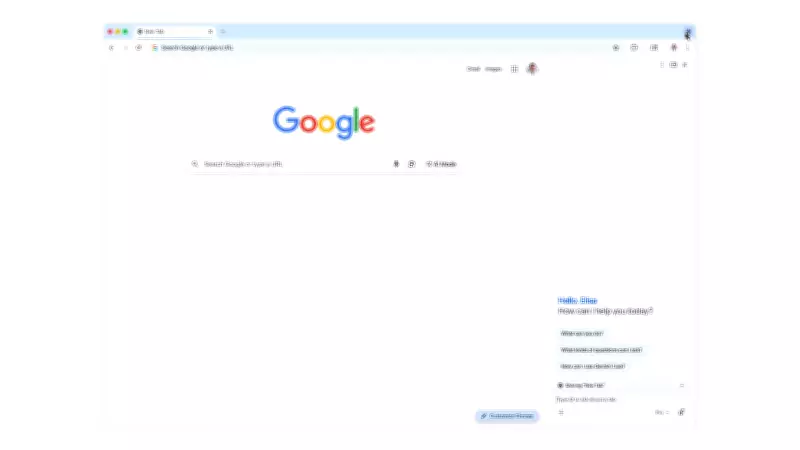
Alongside Auto Browse, Chrome's AI assistant, Gemini, is receiving a significant interface upgrade. Rather than appearing as a floating pop-up, Gemini now resides in a permanent sidebar that remains accessible as you switch between tabs. This integration enables the assistant to pull information from various Google services—including Gmail, Google Calendar, Maps, and Flights—without requiring you to leave your current webpage.
Additional Features: Image Editing with Nano Banana
Google has also incorporated its image generator, Nano Banana, directly into the sidebar. Users can now describe desired edits to any image they encounter, and the tool will apply those modifications without the need for downloading files, streamlining the creative process within the browser environment.
This suite of enhancements positions Chrome as a more intelligent and proactive browsing tool, potentially setting new standards for how AI integrates into everyday web interactions. As these features roll out, they underscore Google's commitment to leveraging artificial intelligence to simplify digital tasks, though users should remain mindful of the associated privacy implications and usage limitations.






