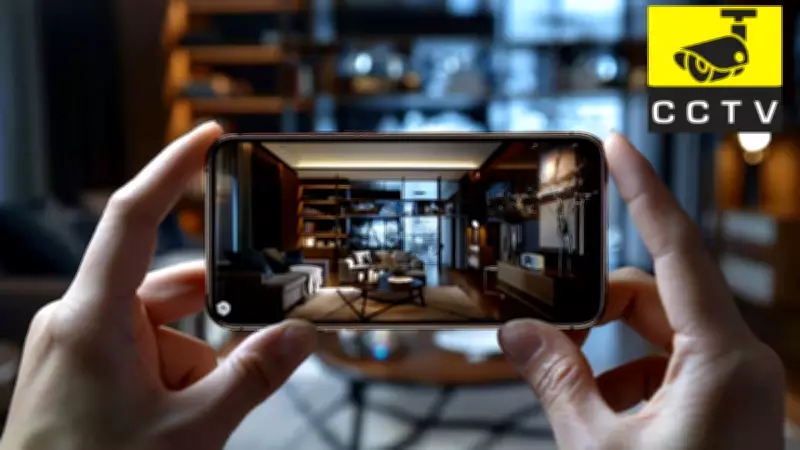
Have an old smartphone lying around? Instead of letting it gather dust or adding to e-waste, you can transform it into a reliable home security camera. This DIY project is not only cost-effective but also environmentally friendly. Here's a step-by-step guide to help you repurpose your outdated device into a functional security tool.
Why Use an Old Smartphone as a Security Camera?
Old smartphones often have decent cameras and processing power, making them ideal for monitoring your home. By using dedicated apps, you can turn them into motion-detecting, live-streaming cameras without spending extra money on new equipment. This approach also reduces electronic waste, contributing to a greener planet.
What You'll Need
- An old smartphone (Android or iOS)
- A stable Wi-Fi connection
- A tripod or stand (optional but recommended)
- A power cable (keep it plugged in for continuous use)
- A security camera app (e.g., Alfred, Manything, or IP Webcam)
Step-by-Step Guide
Step 1: Choose the Right App
Select a security camera app that suits your needs. Popular options include Alfred for ease of use, Manything for advanced features, and IP Webcam for high customization. Download and install the app on both your old phone and your current device (for monitoring).

Step 2: Set Up the Old Phone
Place the old smartphone in the desired location, such as a living room, entrance, or nursery. Ensure it has a clear view of the area you want to monitor. Use a tripod or stand for stability and angle adjustment. Connect the phone to a power source to avoid battery drain.
Step 3: Configure the App
Open the app on the old phone and follow the setup instructions. Typically, you'll need to create an account or pair the devices. Enable features like motion detection, sound alerts, and night vision if available. Adjust the camera settings for optimal video quality.
Step 4: Monitor from Your Primary Device
Install the same app on your current smartphone or tablet. Log in with the same account to view the live feed. You can also enable push notifications to receive alerts when motion is detected. Some apps allow two-way audio, letting you communicate through the old phone's speaker and microphone.
Tips for Better Performance
- Keep the old phone plugged in to prevent battery issues.
- Use a dedicated Wi-Fi network or ensure strong signal strength.
- Position the camera at a high vantage point for a wider view.
- Regularly update the app for security patches.
- Consider using a protective case or housing for outdoor use.
Potential Drawbacks
While this DIY solution is effective, it has limitations. The old phone may overheat if used continuously, and video quality might not match dedicated security cameras. Additionally, relying on a single device can be a single point of failure. For critical security needs, consider investing in professional equipment.
Conclusion
Transforming an old smartphone into a home security camera is a smart, sustainable choice. With minimal investment and a few simple steps, you can enhance your home's security while giving your old device a new purpose. Try this DIY project today and enjoy peace of mind without breaking the bank.