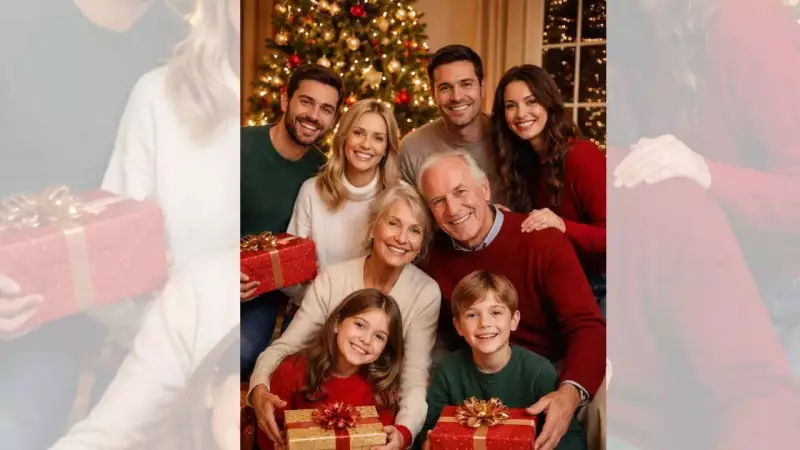
This festive season, a heartwarming and creative trend is capturing the imagination of families across India and beyond. Forget traditional holiday cards; the latest viral sensation involves transforming ordinary family photographs into vibrant, animated cartoon scenes, all powered by artificial intelligence. This blend of technology and sentimentality is creating a new way to preserve and share holiday cheer.
The Magic Behind AI-Powered Holiday Memories
The driving force behind this trend is the remarkable advancement in AI image generation and animation. Tools like Nano Banana Pro and Sora 2 have made personalization incredibly accessible. The process is designed for everyone, requiring no technical skills or artistic expertise. Users simply upload a clear, well-lit family photo and provide a few descriptive prompts. The AI then works its magic, generating a series of cartoon scenes that can be stitched together into a short, professional-looking video.
The results are charming and full of life. The AI adds bright colors, snowy backgrounds, and festive clothing, turning a simple snapshot into a dynamic holiday scene. Family members, children, and even pets are animated with gestures and expressions, shown interacting with presents, Christmas trees, and other seasonal decorations. This injects warmth and playful storytelling into the memory, capturing moments like a child enjoying a cookie or a pet playing near the tree.

Your Step-by-Step Guide to Creating a Christmas Cartoon
Creating your own personalized holiday animation is a straightforward process. Here is a simple guide to get you started:
Step 1: Choose the Perfect Family Photo
Select a clear, high-quality picture where all family members are visible. A well-lit image ensures the AI can interpret details accurately for the best cartoon conversion.
Step 2: Prepare with Nano Banana Pro
Upload your chosen photo to the Nano Banana Pro AI assistant. This tool prepares and optimizes your image, setting the stage for the cartooning process.
Step 3: Generate Scenes with Sora 2
Next, take your prepared image into Sora 2. Start by typing a simple prompt like, “A family gathers for a warm Christmas photo.” This can generate festive scenes such as the family opening gifts or posing by the Christmas tree.
Step 4: Add Action and Emotion
To make your cartoon more dynamic, use action-oriented prompts. For example: "A family prepares to take a warm Christmas photo. The boy says 'cheese,' the dog bounces around, and the photo is snapped." You can also prompt the AI to create scenes of baking cookies, decorating the tree, or unwrapping presents.
Step 5: Review and Customize
Go through the generated scenes. Select your favourites, discard any you don't like, or modify prompts to add extra details. This step ensures the final video truly reflects your family's unique personality and story.
Step 6: Create the Final Video Montage
Finally, all your selected cartoon scenes are combined to create a seamless animated video. The output is a custom, heartwarming Christmas cartoon perfect for sharing on social media, sending as a greeting, or keeping as a digital family memento.
More Than Just Fun: Capturing Family Unity
This trend goes beyond mere digital novelty. Personalized AI cartoons offer a creative and innovative method to celebrate family unity during special occasions. Unlike static photos, these animations tell a fun-filled story, turning small, precious moments into special keepsakes. The technology democratizes creativity, allowing anyone to jump on the bandwagon and transform a single image into a complete, engaging cartoon narrative. It's a testament to how AI can be harnessed for personal expression and connection, making this holiday season memorable in a truly modern way.