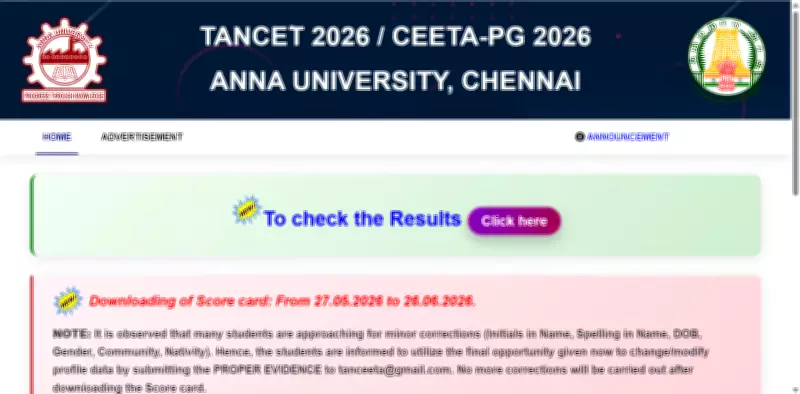
Anna University has officially announced the results for the Tamil Nadu Common Entrance Test (TANCET) 2026 today, May 22, 2026. Candidates who participated in the entrance examination can now access and download their results through the official website at tancet.annauniv.edu.
TANCET 2026: Key Statistics
According to official data, a total of 30,912 candidates appeared for the examinations this year. The breakdown of candidates by course is as follows:
- TANCET Master of Computer Applications (MCA): 7,281 candidates
- TANCET Master of Business Administration (MBA): 15,050 candidates
- Common Engineering Entrance Test and Admissions (CEETA PG): 5,137 candidates
Exam Schedule
The TANCET 2026 examination for MCA and MBA courses was conducted on May 9 in two shifts. The first shift took place from 10:00 AM to 12:00 PM, while the second shift was held from 2:30 PM to 4:30 PM. The CEETA PG 2026 examination for Master of Engineering (ME), Master of Technology (MTech), Master of Architecture (MArch), and Master of Planning (MPlan) courses was conducted on May 10 from 10:00 AM to 12:00 PM.

How to Check TANCET 2026 Result
Candidates can follow these steps to download their result:
- Visit the official TANCET website at tancet.annauniv.edu.
- Click on the “TANCET Result 2026” link available on the homepage.
- Enter the required login details, such as registration number and date of birth.
- Submit the details to view the result.
- The result will appear on the screen. Download and save a copy for future reference.
For direct access, candidates can use the direct link provided on the official website.
TANCET 2026 Scorecard Release Date
Anna University will release the TANCET 2026 scorecards on May 27, 2026. Candidates will be able to download their scorecards from the same portal until June 26, 2026. It is advisable to download and keep a printed copy for counselling and admission purposes.
Profile Correction Details
Candidates who wish to make corrections in their profile details can do so before downloading the scorecard. Corrections are allowed for the following fields:
- Name initials
- Spelling of name
- Date of birth
- Gender
- Community
- Nativity
Students must submit proper supporting documents to the official email ID provided by the university. Once the scorecard is downloaded, no further changes in profile details will be permitted. Candidates are advised to verify their details carefully before proceeding.
Further Updates
Candidates are encouraged to regularly visit the official website for updates regarding counselling schedules and admission processes. Stay tuned for more information on seat allocation and document verification.