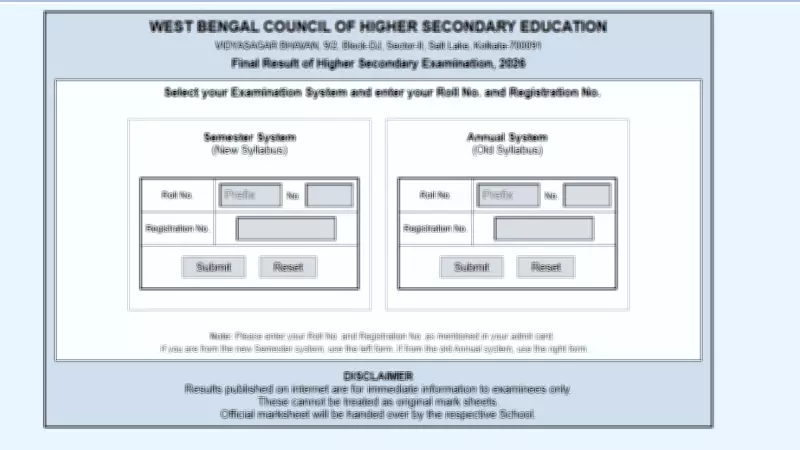
The West Bengal Council of Higher Secondary Education (WBCHSE) has officially activated the online scorecard link for the Higher Secondary (HS) or UCCHA Madhyamik 12th examinations 2026. Students who appeared for the exams can now download their marksheets through six different methods from the official website result.wb.gov.in.
How to Download WBCHSE HS Scorecard 2026
Candidates can follow any of the six methods mentioned below to access and download their results:
Method 1: Via Official Website
Visit result.wb.gov.in, click on the WBCHSE HS result link, enter your roll number and registration number, and submit to view your scorecard.

Method 2: Via WBCHSE Official Site
Go to wbchse.nic.in, find the results section, click on the HS result link, and provide the required credentials.
Method 3: Via SMS
Type WB12
Method 4: Via DigiLocker
Log in to DigiLocker, search for WBCHSE, and access your marksheet digitally.
Method 5: Via Mobile App
Download the official WBCHSE app from Google Play Store, log in with your credentials, and view your result.
Method 6: Via School
Visit your respective school to obtain a printed copy of your marksheet.
Details on the Scorecard
The WBCHSE HS scorecard includes the student's name, roll number, registration number, subject-wise marks, total marks, grade, and result status (pass/fail). It is a crucial document for higher education admissions and future career opportunities.
Students are advised to take a printout of the marksheet and keep multiple copies for future reference. Any discrepancy in the result should be reported to the council immediately.