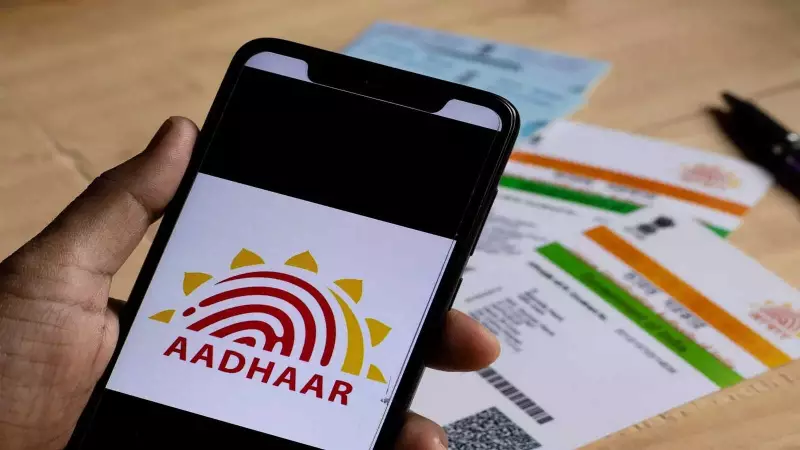
The 12-digit Aadhaar number has evolved into a cornerstone of identity verification in India. It is now an essential prerequisite for a host of critical financial activities. Linking your Aadhaar is mandatory for bank accounts, PAN cards, Mutual Fund investments, PPF accounts, and insurance policies. Ensuring that your contact details are correctly linked and verified is therefore more important than ever.
UIDAI's Online Portal: A Hub for Aadhaar Services
To empower citizens, the Unique Identification Authority of India (UIDAI) offers a comprehensive suite of online tools on its official website. The myAadhaar portal is designed to help users manage their Aadhaar information with ease. Beyond basic downloads, the portal facilitates crucial updates and verification services. These include options to update your registered address, verify the authenticity of an Aadhaar number, and check the status of various requests.
One of the most useful features allows Aadhaar holders to confirm the mobile number and email address associated with their account. This online verification process is simple, quick, and can prevent future hassles during authentication for government or financial services.

Step-by-Step Guide to Verify Mobile Number and Email ID
If you need to check which mobile number or email ID is linked to your Aadhaar, follow these straightforward steps on the UIDAI website:
- Visit the Official Portal: Open your web browser and go to the myAadhaar website: myaadhaar.uidai.gov.in.
- Locate the Verification Option: Scroll down the homepage to find the 'Verify Email/Mobile Number' service and click on it.
- To Verify Your Mobile Number: On the new page, select the 'Mobile Number' option. Enter your 12-digit Aadhaar number, the mobile number you wish to verify, and the Captcha code displayed on screen. Click 'Proceed' to see the verification status.
- To Verify Your Email Address: Similarly, choose the 'Email ID' option. Input your Aadhaar number and the email address you want to check. After entering the Captcha, click 'Proceed' for instant confirmation.
Beyond Verification: The Power of the myAadhaar Portal
Verifying contact details is just one of many functionalities available. The myAadhaar portal serves as a one-stop dashboard for a range of Aadhaar-related services. Cardholders can use it to:
- Download a digital copy of their Aadhaar (e-Aadhaar).
- Order a reprint of their physical Aadhaar card.
- Update demographic details like name, address, date of birth, and gender.
- Lock or unlock their Aadhaar number to prevent unauthorized biometric authentication.
- Check the update history and track ongoing requests.
With the increasing integration of Aadhaar into daily life, regularly checking and updating your information on the UIDAI portal is a prudent step. It ensures seamless access to services and enhances the security of your digital identity. Taking a few minutes to verify your linked mobile and email today can save significant time and trouble in the future.