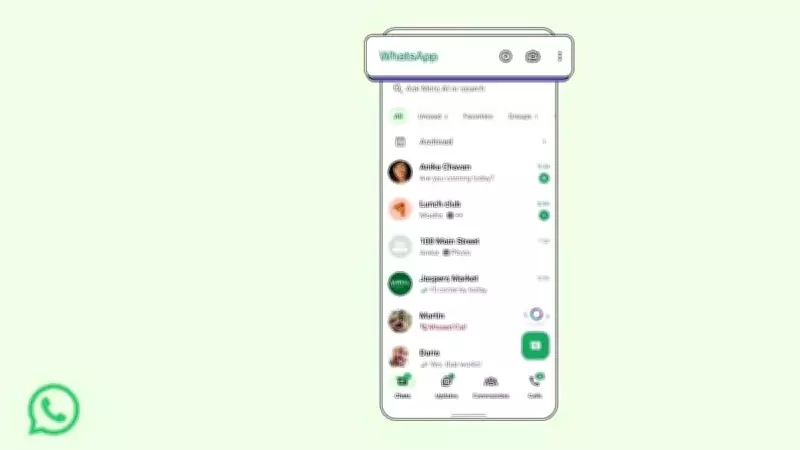
WhatsApp has teamed up with PayU to introduce a convenient new feature that allows users to recharge their prepaid mobile subscriptions directly within the messaging app. This collaboration aims to simplify the process of topping up prepaid cellular plans, eliminating the need to switch to separate apps or websites.
How to Recharge Prepaid Mobile on WhatsApp
The new feature integrates PayU's payment gateway into WhatsApp, enabling seamless transactions. Here is a step-by-step guide:
- Open WhatsApp and tap on the Rupee icon located at the top of the screen for easy access to payments.
- Select the 'Recharge' option from the payment menu.
- Enter your mobile number and choose your operator and plan.
- Complete the payment using any of the available payment methods, such as UPI, debit card, or credit card.
- Confirm the transaction and wait for the recharge to be processed instantly.
Key Benefits of the Feature
- Convenience: Users can recharge without leaving the chat interface.
- Speed: The process is quick and straightforward, with instant confirmation.
- Security: PayU's secure payment gateway ensures safe transactions.
This move is part of WhatsApp's broader strategy to expand its financial services within the app. The feature is currently rolling out to users in select regions and is expected to be available globally soon.

With this integration, WhatsApp aims to enhance user engagement by providing essential services directly within the platform. The partnership with PayU, a leading payment solutions provider, ensures reliability and ease of use for millions of users.
Stay tuned for more updates as WhatsApp continues to evolve beyond messaging into a comprehensive digital services hub.