Google DeepMind Unveils Nano Banana 2: A Leap in AI Image Generation
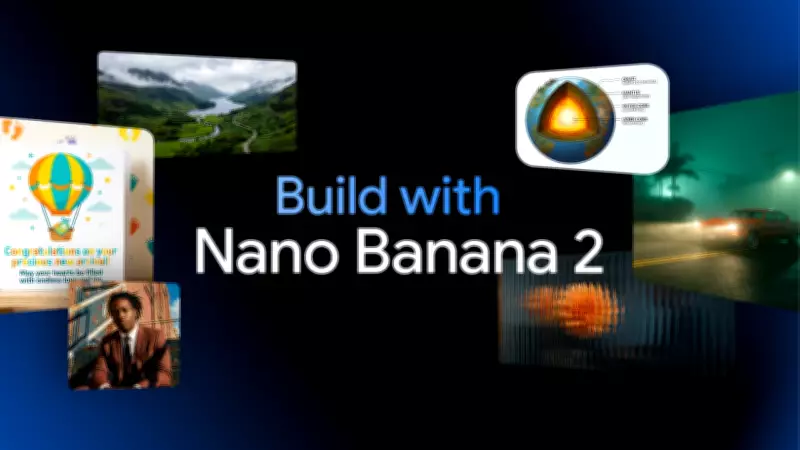
In a significant advancement for artificial intelligence, Google DeepMind has quietly launched Nano Banana 2, its latest image generation model. This release marks a pivotal moment in the AI landscape, building upon the viral success of the original Nano Banana and the professional-grade capabilities of Nano Banana Pro. The new model aims to deliver unprecedented speed without compromising on quality, potentially transforming how users create digital visuals.
Key Features of Nano Banana 2 Explained
Nano Banana 2 integrates several innovative features designed to enhance user experience across various applications:
- Ultra-Fast Image Generation: Powered by the Gemini Flash engine, it produces multiple images in seconds, enabling rapid iteration for tasks like storyboarding.
- Enhanced AI Intelligence: Combining the best elements from previous versions, it offers smarter outputs with improved visual fidelity.
- Subject Consistency: Maintains up to five characters and fourteen objects consistently across images, ideal for comics, game art, or narrative projects.
- Complex Instruction Handling: Accurately follows detailed prompts for lighting, textures, and layout to produce studio-quality visuals.
- Resolution Support: Generates images ranging from 512 pixels to 4K, catering to needs from social media to print.
- Multiple Styles: Offers diverse options including photorealistic, cartoonish, and flat lay infographic styles.
- Versatile Applications: Transforms notes into diagrams, infographics, and data visualizations with ease.
- Broad Availability: Rolled out in over 140 countries and multiple languages, accessible via Gemini apps, Search in AI mode, Lens, Flow, Google Ads, and Vertex AI.
- Real-World Knowledge Integration: Leverages web search for accurate and contextually relevant outputs.
Nano Banana 2 vs. Nano Banana Pro: What Sets Them Apart
Nano Banana 2 represents a notable improvement over its predecessors. While Nano Banana Pro provided studio-level control, the new model excels in speed, thanks to the Gemini Flash engine, allowing users to generate images in seconds rather than minutes. Additionally, it addresses previous limitations in subject consistency, making it more reliable for projects requiring uniform characters or objects. Experts suggest this could streamline creative workflows, making rapid prototyping and iterative design more efficient.

How to Use Nano Banana 2: A Step-by-Step Guide
- Open the Gemini App: Access the prompt box ready for inputting your creative ideas.
- Describe Your Image: Provide simple or complex descriptions, specifying elements like characters, objects, angles, lighting, or embedded text.
- Select a Style or Template: Choose from options such as photorealistic, cartoonish, or flat lay infographic to tailor the output.
- Generate the Image: Utilize the Flash engine to create visuals instantly, with options for immediate tweaks and adjustments.
- Export Your Creation: Save images in resolutions from 512 pixels to 4K, suitable for various platforms including social media, presentations, or print materials.
Nano Banana 2 merges the speed of Gemini Flash with the intelligence of Pro models, functioning like a tireless creative assistant. Its ability to integrate real-world knowledge ensures outputs are not only aesthetically pleasing but also logically sound, catering to casual users, marketers, and professional developers alike.