

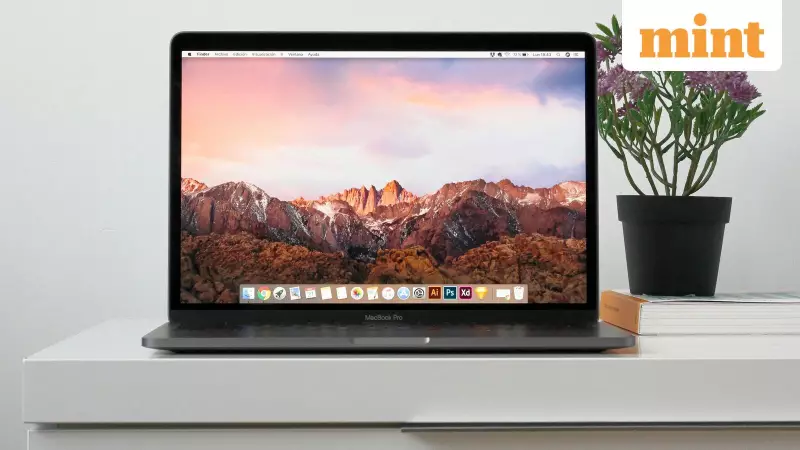
Opening a brand new MacBook is an exciting experience, placing one of the world's most refined operating systems at your fingertips. However, to truly harness its capabilities, a selection of carefully chosen applications is essential. For users in India, whether for work, study, or entertainment, installing the right software from the start can dramatically enhance performance and flexibility.
The Ultimate Starter Kit for Your Mac
This curated list of five applications is designed to bridge the gap between Apple's out-of-the-box experience and a fully personalized, powerful workstation. These picks are not just for tech experts; they benefit anyone looking to get the most out of their investment, making everyday tasks smoother and more efficient.
1. Google Chrome: The Cross-Platform Powerhouse
While Apple's Safari browser is fast and integrated, Google Chrome is a non-negotiable install for many. Its true strength lies in seamless synchronization across different operating systems. This is particularly valuable in India, where users often switch between Android phones, Windows PCs, and their new MacBooks. Chrome ensures your bookmarks, history, and passwords are always available, and its robust support for modern web standards makes it a reliable tool for everything from web apps to online services.

2. VLC Media Player: The Universal Video Solution
There is nothing more frustrating than encountering an unsupported video file. Apple's native QuickTime player has limitations, but VLC Media Player powers through virtually any format you throw at it—be it AVI, WMV, or MKV. This free and lightweight application is indispensable for students, professionals, and movie enthusiasts alike, eliminating the need to hunt for complex codecs and ensuring you can play any media file without a hitch.
3. GIMP: The Professional-Grade Image Editor
For those who need more editing power than the basic Preview or Photos apps can offer, GIMP (GNU Image Manipulation Program) is the perfect solution. As a powerful, open-source alternative to expensive software like Photoshop, GIMP handles everything from quick photo retouching to complex graphic design projects. It keeps your workflow entirely local and offline, a significant advantage for users conscious of data privacy and internet costs in India.
4. Discord: The Modern Communication Hub
Discord has evolved far beyond its gaming origins to become a central platform for communication. It excels at voice chats, community building, and collaborative workgroups. With crystal-clear audio and flawless sync across all your devices, Discord is ideal for everything from coordinating remote work teams to catching up with friends and sharing your screen. It has become an essential tool for the modern digital lifestyle.
5. Steam: Gateway to a Vast Gaming Library
Apple continues to enhance gaming on Mac, and Steam is the definitive portal to explore this growing world. It provides access to an enormous collection of games, from innovative indie titles to major AAA blockbusters. Beyond the games themselves, Steam's integrated social features and cross-platform support mean you can easily connect with friends and see what they are playing, turning your MacBook into a capable entertainment center.
Streamlining Your Setup
An honourable mention goes to tools like macapps.link, which can batch-download multiple applications in one go, making the initial setup process incredibly fast and efficient. The true potential of a new MacBook is unlocked not just by its hardware, but by the software you choose to install. With these five essential apps, you can ensure your device is ready for productivity, creativity, and play from the very first boot.






