

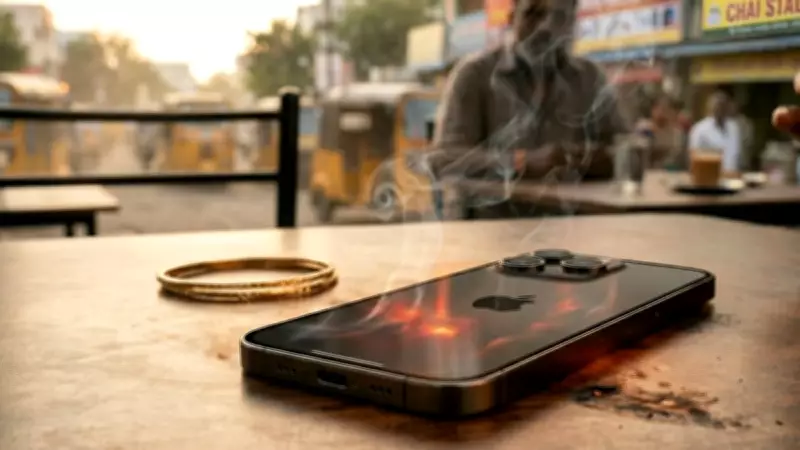
Smartphones have become an essential part of our daily lives, but frequent overheating can lead to serious damage. Understanding the common mistakes that cause overheating can help you protect your device. Here are key mistakes to avoid and tips to keep your phone cool.
Common Mistakes That Cause Overheating
1. Using Your Phone While Charging
Using your smartphone for gaming, streaming, or other intensive tasks while it is charging generates excessive heat. This combination of battery charging and high processor usage can cause the temperature to rise rapidly, potentially damaging internal components.
2. Leaving Your Phone in Direct Sunlight
Exposing your phone to direct sunlight, especially in hot weather, can quickly raise its temperature. Even a few minutes in the sun can cause overheating, leading to battery swelling or reduced lifespan.

3. Using Non-Original Chargers
Cheap or counterfeit chargers may not have proper voltage regulation, causing the battery to overheat. Always use the original charger or certified replacements to ensure safe charging.
4. Keeping Too Many Apps Open
Running multiple apps simultaneously, especially resource-intensive ones like games or navigation, puts a heavy load on the processor, generating more heat. Close unused apps to reduce strain.
5. Poor Ventilation
Using your phone on soft surfaces like beds or sofas can block ventilation, trapping heat. Additionally, thick phone cases can insulate heat, so consider removing the case if your phone gets hot.
How to Prevent Overheating
- Avoid intensive tasks while charging: Let your phone charge without using it for demanding activities.
- Keep your phone out of the sun: Store it in the shade or a cool place.
- Use original accessories: Stick to certified chargers and cables.
- Close unnecessary apps: Regularly clear background apps.
- Remove the case when charging: This allows heat to dissipate.
By avoiding these common mistakes, you can significantly reduce the risk of overheating and extend the life of your smartphone. If your phone continues to overheat despite these precautions, it may be a sign of a hardware issue, and you should consult a professional.

