Minecraft Bedrock 26.10 Update Officially Released with Exciting New Content
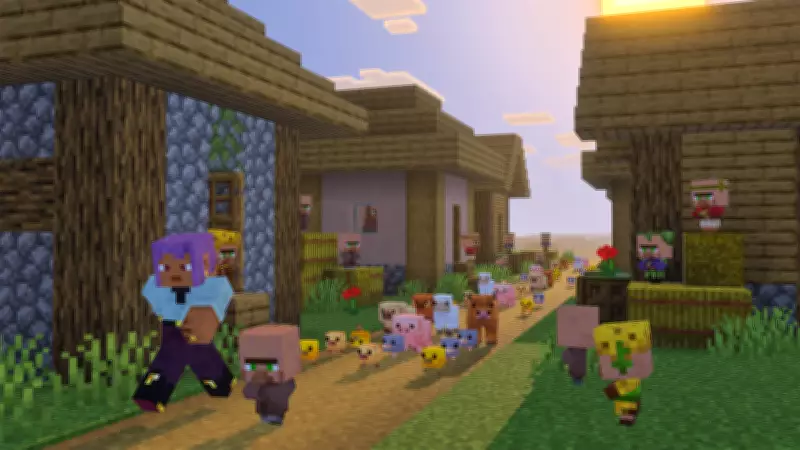
Mojang has officially launched the Minecraft Bedrock 26.10 update, marking a significant milestone for players worldwide. This release introduces the highly anticipated Tiny Takeover game drop, which brings a fresh twist to the gaming experience. Alongside this, the update includes a comprehensive overhaul of baby mobs, adding new behaviors and interactions that enhance gameplay depth.
Key Features and Enhancements
The update is packed with new elements designed to enrich the Minecraft universe. Players can now discover golden dandelions, a rare and decorative item that adds aesthetic appeal to their worlds. Additionally, craftable name tags have been introduced, allowing for greater customization and personalization of in-game entities. These features are complemented by various quality-of-life improvements and performance optimizations, ensuring a smoother and more enjoyable gaming experience across all platforms.
Availability and Download Instructions
The Minecraft Bedrock 26.10 update is now available for download on all supported platforms. Below is a detailed guide on how to install the update on different devices:

- PlayStation 4 and PlayStation 5: Navigate to the console's homepage or library, find Minecraft, press the Options button, select "Check for Updates," and install the update when prompted.
- Xbox One and Series X|S: Go to "My Games & Apps," locate Minecraft, press the Options button, choose "Manage Game & Add-Ons," click "Updates," and download the new version.
- Nintendo Switch / Switch 2: Launch Minecraft, follow the update notification to the Nintendo eShop, and update the game to version 26.10.
- PC (Windows) via Minecraft Launcher: The launcher automatically checks for updates; if not, download it from Mojang's website.
- Android and iOS (Pocket Edition): Open the Apple App Store or Google Play Store, search for Minecraft, and tap the "Update" option to install the latest version.
This update represents Mojang's ongoing commitment to enhancing the Minecraft experience, offering players new adventures and tools to explore. With its wide availability, gamers can easily access all the new content and enjoy the latest improvements in this beloved sandbox world.