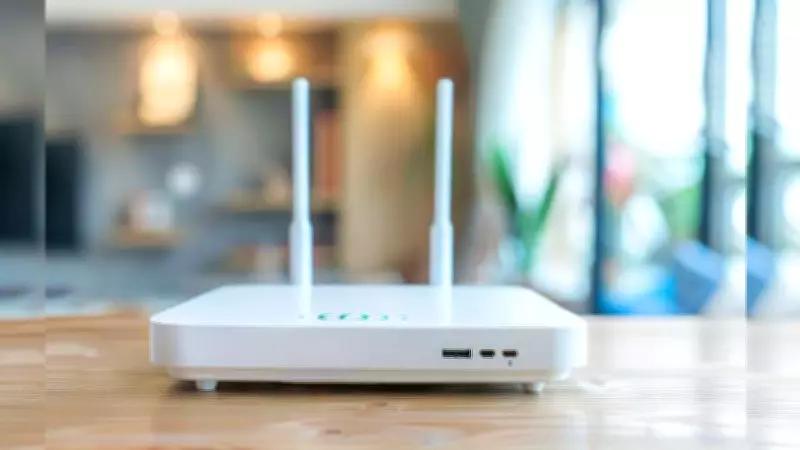
Is Your Home Internet Crawling? It Might Be Time to Replace Your Wi-Fi Router
Slow internet speeds at home can be a major source of frustration, disrupting everything from streaming movies to video calls and online work. Often, the culprit isn't your internet service provider but an aging or outdated Wi-Fi router. Knowing when to replace this crucial device can significantly enhance your online experience and restore the fast, reliable connectivity you need.
Key Signs Your Wi-Fi Router Needs Replacement
Several indicators suggest your router is past its prime and may be holding back your internet performance. Pay attention to these common warning signals:
- Age of the Router: If your router is more than 3-5 years old, it likely uses older technology like Wi-Fi 4 or 5, which can't handle modern high-speed demands. Newer standards like Wi-Fi 6 offer better efficiency and speed.
- Consistent Speed Drops: Noticeable and frequent slowdowns, especially during peak usage times or when multiple devices are connected, often point to router limitations rather than ISP issues.
- Frequent Disconnections: If your devices keep losing Wi-Fi connection or require frequent reboots of the router, it could indicate hardware failure or outdated firmware.
- Dead Zones in Your Home: Areas where the Wi-Fi signal is weak or nonexistent, despite being within range, suggest the router's signal strength has degraded over time.
- Incompatibility with New Devices: Newer gadgets, such as smart home devices or latest smartphones, may not connect properly or experience poor performance on older routers due to outdated protocols.
How to Diagnose Router Issues
Before rushing to buy a new router, it's wise to troubleshoot to confirm the problem. Start by testing your internet speed using online tools when connected directly via Ethernet cable to your modem—this isolates the router from the equation. If speeds are fine via Ethernet but slow over Wi-Fi, your router is likely the issue. Also, check for firmware updates from the manufacturer, as outdated software can cause performance hiccups. Resetting the router to factory settings might help temporarily, but if problems persist, replacement is often the best solution.

Benefits of Upgrading Your Router
Investing in a new Wi-Fi router can transform your home network. Modern routers support faster speeds, better security features like WPA3 encryption, and improved range to eliminate dead zones. They also handle multiple devices more efficiently, reducing lag during video calls or gaming. Look for routers with dual or tri-band capabilities to distribute traffic and avoid congestion. While cost can be a factor, the long-term benefits of reliable, high-speed internet often outweigh the initial expense, especially for households with heavy internet usage.
In summary, if your home internet feels sluggish, don't just blame your ISP—your Wi-Fi router could be the real bottleneck. By recognizing signs like age, speed drops, and connectivity issues, you can make an informed decision to upgrade and enjoy a smoother, faster online experience.