

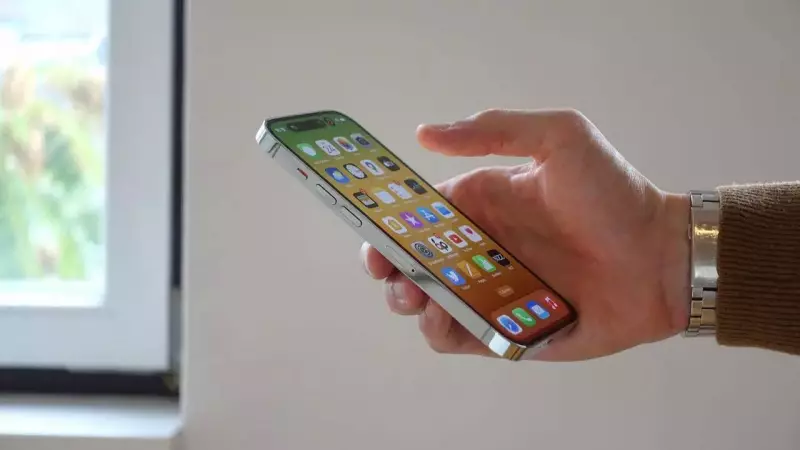
Live Photos on iPhone and iPad revolutionize photography by capturing brief video snippets before and after taking a picture, transforming static images into dynamic living memories. While these animated photos are captivating individually, Apple users can elevate their experience by merging multiple Live Photos into cohesive video montages.
Transforming Live Photos into Video Montages
This innovative feature allows iPhone enthusiasts to condense a series of moments into a single video file, making it simpler to share and preserve cherished memories. Whether documenting special occasions, capturing everyday moments with friends, or compiling visual stories from daily life, converting multiple Live Photos into video montages offers a powerful way to encapsulate the essence of sequential images.
Step-by-Step Guide to Create Videos from Live Photos
Follow these detailed instructions to transform your Live Photos into engaging video content:

- Open the Photos App: Launch the Photos application on your iOS device and tap the Collections icon located at the bottom of the screen.
- Access Live Photos Collection: Scroll down to the "Media Types" section and select "Live Photos." This action will display all Live Photos stored in your device's photo library.
- Select Desired Live Photos: Tap the "Select" button in the top-right corner, then choose the Live Photos you wish to include in your video montage. A small checkmark will appear on each selected photo for confirmation.
- Open the Action Menu: Tap the three-dot menu button positioned in the top-right corner of your screen to access additional options.
- Save as Video: From the pop-up menu, choose "Save as Video." Your selected Live Photos will automatically combine into a single video file.
Locating Your Created Video
To view your newly generated video, return to the Library view or navigate to the Videos category under Media Types. Note that the video will be timestamped according to when the original Live Photos were captured. Unless you enable the "Sort by Recently Added" option, the video might not appear as the latest item in your collection.
Important Considerations for iPhone Users
Before converting Live Photos into videos, keep these essential points in mind:
- The sequence of Live Photos in the final video is determined by their original capture timeline, not the order in which you select them.
- The video seamlessly combines motion elements from each Live Photo into one continuous clip.
- The created video file can be edited, shared, or exported just like any other video within the Photos application.
This straightforward method empowers users to effortlessly create professional-looking video montages from their Live Photos. The feature provides a convenient solution for preserving and sharing multiple moments as continuous visual narratives, enhancing how we document and relive our digital memories.






