The Council of Higher Secondary Education (CHSE), Odisha, has announced the results for the Plus Two (12th) examinations for the academic year 2025-2026. Students can now access and download their marksheets through the DigiLocker platform, a secure digital document wallet provided by the Government of India. This initiative aims to provide easy and authenticated access to academic documents anytime, anywhere.
How to Download CHSE Odisha Plus Two Marksheet via DigiLocker
Follow these simple steps to retrieve your 12th marksheet from DigiLocker:
- Visit the official DigiLocker website at digilocker.gov.in or download the DigiLocker mobile app from Google Play Store or Apple App Store.
- Sign up or log in using your registered mobile number. A one-time password (OTP) will be sent for verification.
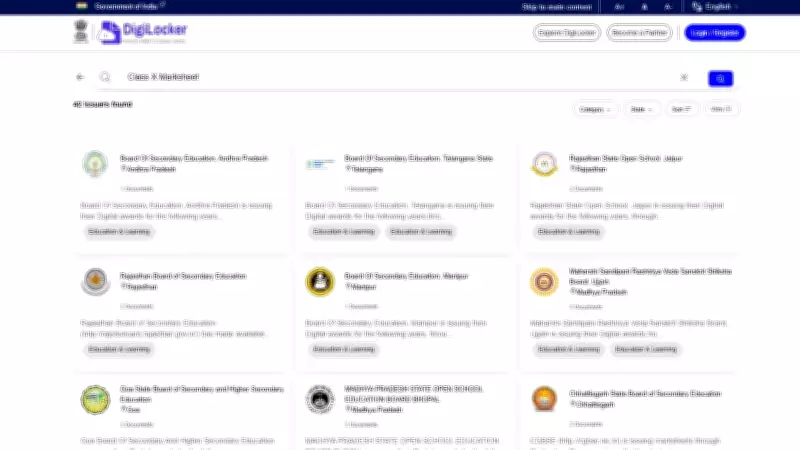
- Once logged in, search for "CHSE Odisha" in the search bar under "Issued Documents" or navigate to the education section.
- Select the document type "Marksheet" or "Grade Card" for the year 2026.
- Enter your roll number and other required details as per your admit card.
- Your marksheet will be displayed. You can view, download, and save it as a PDF. The document is digitally signed and valid for official purposes.
Important Details for Students
The CHSE Odisha Plus Two results are also available on the official board website at chseodisha.nic.in. However, DigiLocker provides a more convenient and paperless option. Students are advised to keep their roll numbers and registration details handy. In case of any discrepancy in the marksheet, contact the respective school or the CHSE helpline immediately.

DigiLocker not only stores marksheets but also other important documents like Aadhaar, driving license, and educational certificates. It ensures data security and easy sharing with colleges or employers when required.
Benefits of Using DigiLocker for Results
- Instant Access: No need to wait for physical copies; download immediately after result declaration.
- Authenticity: Documents are digitally signed by the issuing authority, making them legally valid.
- Paperless: Reduces the need for printed documents, contributing to environmental sustainability.
- Lifetime Storage: Documents remain available in your DigiLocker account forever.
Students are encouraged to share their marksheets with educational institutions or employers via DigiLocker's secure sharing feature rather than sending unverified copies.
What to Do After Downloading the Marksheet
After obtaining your marksheet, verify all personal details and marks. If you need a physical copy for any purpose, you can take a printout of the digitally signed document. For higher education admissions or job applications, the DigiLocker version is widely accepted. In case of any issues, reach out to the CHSE Odisha support team through their official website.
The CHSE Odisha Plus Two results via DigiLocker marks a step towards digital empowerment in education. Students across the state are benefiting from this streamlined process. For further updates, keep checking the official CHSE website and DigiLocker announcements.