

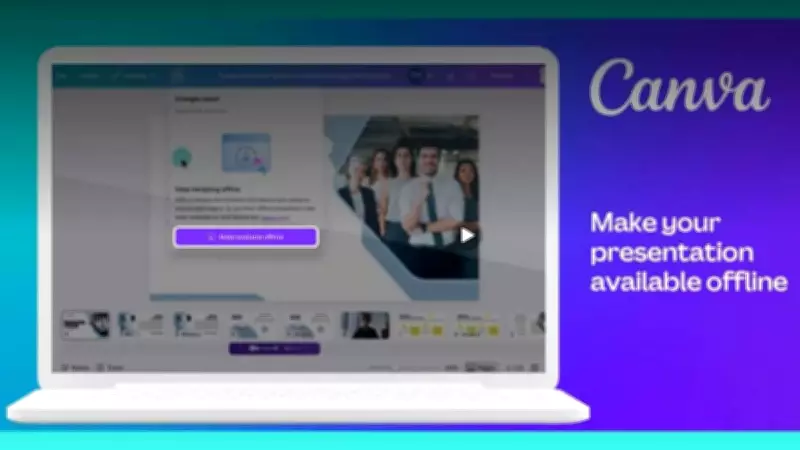
Canva, the popular graphic design platform, has introduced a new offline mode that empowers users to create and edit designs without an internet connection for up to 14 days. This feature is particularly beneficial for users in regions with unreliable or limited internet connectivity, as well as for those who need to work while traveling or in remote locations.
How Canva Offline Mode Works
The offline mode allows users to access their recently used templates, images, and other design elements stored in the local cache. When the device is offline, users can continue editing existing designs or start new ones from scratch. All changes are saved locally and will sync automatically once the device reconnects to the internet. The 14-day window ensures that users have ample time to complete their projects without connectivity.
Key Features of Canva Offline Mode
- Uninterrupted Creativity: Users can work on designs without worrying about internet drops, ensuring a smooth creative flow.
- Automatic Syncing: Once back online, changes are seamlessly synchronized with the cloud, preventing any data loss.
- Access to Recent Files: The offline mode provides access to recently used files and assets, making it convenient to continue work.
- 14-Day Validity: The offline access remains active for 14 days, after which a reconnection is required to refresh the cache.
Benefits for Users
This feature is a game-changer for professionals like graphic designers, social media managers, and educators who frequently work in areas with poor internet. It also benefits students and small business owners who may not always have reliable internet access. By enabling offline functionality, Canva ensures that productivity is not hindered by connectivity issues.

How to Enable Offline Mode
To use the offline mode, users need to have the Canva app installed on their device and must be logged into their account. Once online, they can enable offline access for specific designs or for general use. The app will then cache the necessary data. Users should ensure they have sufficient storage space on their device to accommodate the cached files.
Availability
The offline mode is currently available on the Canva mobile app for both Android and iOS devices. Canva plans to extend this feature to the desktop version in the future. This update is part of Canva's ongoing efforts to make design accessible to everyone, regardless of their internet situation.
With this new offline capability, Canva continues to innovate and address the needs of its vast user base, which includes over 100 million monthly active users worldwide. The offline mode is expected to further boost user engagement and satisfaction.






