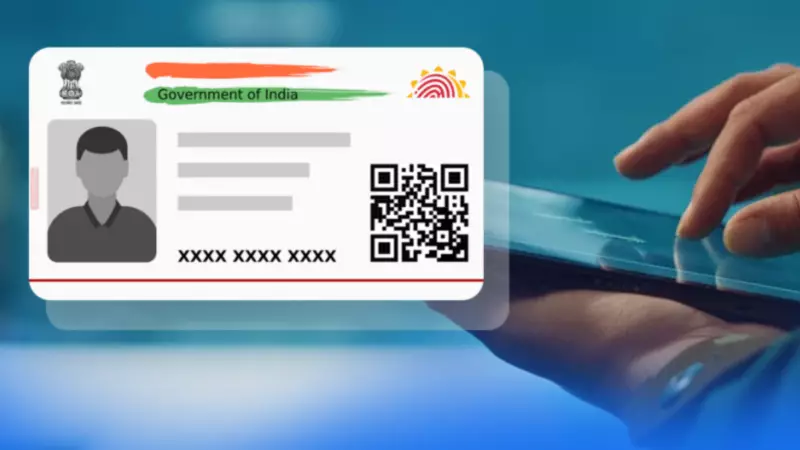
In a significant move towards a paperless and more convenient future, the Unique Identification Authority of India (UIDAI) has made the e-Aadhaar a mainstream solution for millions. This digital initiative eliminates the constant need to carry a physical Aadhaar card, offering a secure and universally accepted alternative for identity verification across India.
What Exactly is e-Aadhaar?
An e-Aadhaar is essentially the official, digital counterpart of your physical Aadhaar card. It is issued by the UIDAI as a password-protected PDF file that carries a digital signature from the authority, ensuring its authenticity. This electronic document holds the same legal validity as its physical version and is accepted nationwide as proof of identity and address.
The e-Aadhaar PDF contains all crucial details, including your 12-digit Aadhaar number, demographic information, photograph, and a scannable QR code for instant verification. Whether you are opening a new bank account, completing KYC formalities, booking travel tickets, or applying for government services, presenting your e-Aadhaar suffices, saving you from the hassle of misplacing the physical card.

Step-by-Step: How to Download Your e-Aadhaar
There are two primary, user-friendly methods to obtain your digital Aadhaar. You can choose between the official UIDAI portal or the dedicated mAadhaar mobile application.
Method 1: Download via the Official UIDAI Website
This is the most direct method to get your e-Aadhaar. Follow these simple steps:
- Visit the official UIDAI website (uidai.gov.in).
- Navigate and click on the 'Download Aadhaar' option.
- You will be prompted to enter your 12-digit Aadhaar Number, Enrolment ID (EID), or Virtual ID (VID).
- Enter the security captcha code displayed on the screen.
- Click on 'Send OTP'. A one-time password will be sent to your mobile number registered with UIDAI.
- Enter the received OTP in the designated field and click 'Submit' or 'Verify'.
- Your e-Aadhaar PDF will be generated and available for download. Save it securely on your device.
Method 2: Download Using the mAadhaar App
For on-the-go access, the mAadhaar app is incredibly convenient.
- First, download and install the 'mAadhaar' application from the Google Play Store (for Android) or Apple App Store (for iOS).
- Open the app and complete the registration/login process using your Aadhaar details.
- Within the app, locate and select the 'Download Aadhaar' option.
- Authenticate the request using the OTP sent to your registered mobile number.
- Once verified, the app will allow you to save a PDF copy of your e-Aadhaar directly to your smartphone.
Accessing Your Password-Protected e-Aadhaar PDF
Remember, the downloaded e-Aadhaar file is secured with a password to protect your sensitive data. The password format is standardized and easy to remember:
The password is the first four letters of your name (as printed on your Aadhaar card) in CAPITAL letters, followed by your birth year in YYYY format.
For example, if your name is 'Rahul Kumar' and your birth year is 1985, your password will be RAHU1985. If your name is 'Priya Singh' and your birth year is 1992, the password will be PRIY1992.
By adopting e-Aadhaar, Indian residents can seamlessly integrate their identity into the digital ecosystem. This initiative by UIDAI not only enhances convenience but also promotes the broader Digital India vision, reducing dependency on physical documents for day-to-day verification processes.