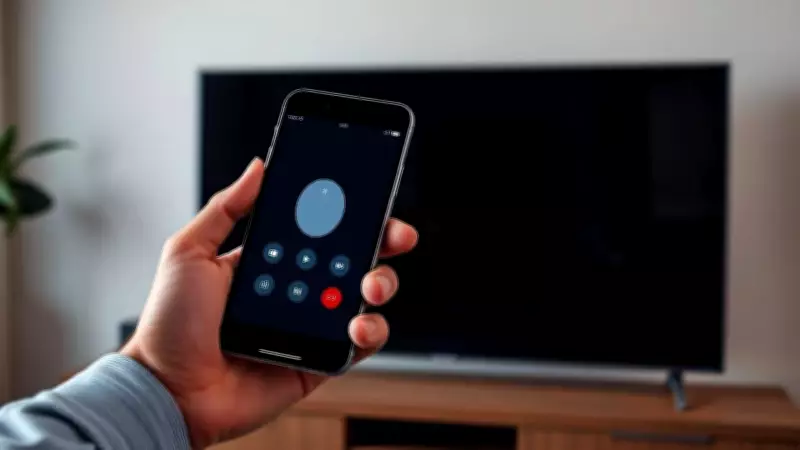
Hack of the Day: Transform Your Smartphone into a TV Remote for Effortless Control
The Times of India introduces 'Hack of the Day'—a new weekday series delivering quick, practical solutions to everyday hassles. Each hack is crafted to save you time, money, or stress by leveraging accessible tools and features, from government websites to common apps. In simple terms, it offers straightforward fixes for smarter, more efficient living.
The Common Dilemma: Lost TV Remote Disrupting Your Entertainment
We've all experienced it—settling in for a relaxing movie night or your favorite show, only to discover the TV remote has mysteriously vanished. Whether it's buried under couch cushions, misplaced in another room, or simply out of battery, losing the remote can be surprisingly disruptive, halting your entertainment plans. However, in today's connected world, you don't have to let a missing remote ruin your evening. Your smartphone can step in as a powerful and convenient replacement, providing full control over your TV without the hassle of frantic searching or waiting for batteries.
How to Use Your Smartphone as a TV Remote: Step-by-Step Guide
With the right apps and settings, you can change channels, adjust volume, launch streaming services, and even use voice commands—all directly from your phone. This simple hack not only saves time but also ensures you're never stuck staring at a blank screen again. Follow these steps to get started:

- Download the Official App: Check if your TV brand—such as Samsung, LG, Sony, or TCL—has a companion app available in the App Store or Google Play. These apps typically allow you to change channels, adjust volume, and access smart features seamlessly.
- Utilize Streaming Apps: If you own a Roku, Fire TV, or Apple TV device, install their respective apps. These provide full remote functionality, including advanced features like voice search for effortless navigation.
- Enable Wi-Fi Control: Ensure both your smartphone and TV are connected to the same Wi-Fi network. This setup enables seamless pairing and control, allowing your phone to communicate directly with the TV.
- Try Universal Remote Apps: For TVs without an official app, third-party universal remote apps can often connect via Wi-Fi or infrared, provided your phone supports an IR blaster. These apps offer versatile control options for various devices.
- Leverage Smart Assistants: Voice assistants like Google Assistant, Alexa, or Siri can also control compatible TVs with simple commands, adding a hands-free dimension to your viewing experience.
Benefits of This Tech Hack for Everyday Life
This hack exemplifies how everyday technology can solve common problems efficiently. By using your smartphone as a TV remote, you eliminate the stress of lost devices, reduce clutter, and enhance convenience. It's a perfect example of smarter living through practical, accessible solutions that integrate seamlessly into daily routines.
About the Author: Heena Gupta, an avid reader and tech enthusiast with a background from Hindu College, has a keen interest in gadgets and innovations. Passionate about exploring new tech trends, she enjoys sharing insights that simplify modern life, making technology more approachable for everyone.