iPhone Clock Icon's Hidden Animation Feature Ignites Online Frenzy
Apple enthusiasts are known for their devotion to discovering subtle details in iOS updates that enhance the user experience. From haptic feedback that feels remarkably alive to animations that mimic real-world physics, these hidden gems keep the Apple community engaged and excited. One such surprising discovery has recently emerged, sending fans into a frenzy over a seemingly minor yet intriguing feature in the iPhone Clock app icon.
Viral Discovery: Clock Icon Ticks Differently in Low Power Mode
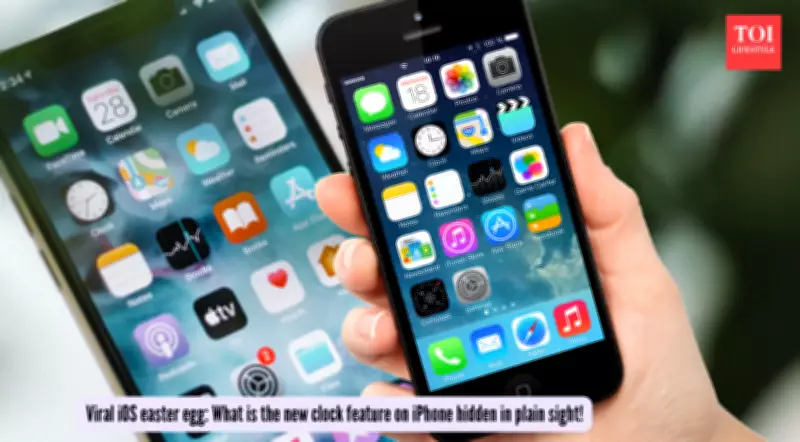
Tech enthusiast Shishir sparked an online discussion on X after noticing a fascinating detail in the iPhone Clock app icon. He posted, "Wait… the Clock icon on iOS ticks like a quartz watch in low power mode and mechanical in normal mode??? That's ridiculous attention to detail." This observation quickly gained traction, with users debating whether this was an intentional design choice or a practical functionality.
In normal mode, the second hand on the Clock icon glides smoothly, resembling the continuous sweep of a high-end mechanical watch. However, when Low Power Mode is activated, the animation changes to a tick-forward motion, one second at a time, much like a quartz watch. This subtle shift has captivated users, highlighting Apple's reputation for meticulous design.

Smart Design or Battery Efficiency Feature?
The debate centers on whether this change is a clever design element or a battery-saving measure. One commenter explained, "It's not an attention to detail, it's an easy point to save battery! When you animate the entire flow, that is more pixels having to turn on and off. When you cut each second, the pixels are doing less, saving battery life." Another user noted, "I think it's merely due to the refresh rate of the always-on screen that goes down to 1/s." A third added, "It's probably not attention to detail but rather saving some battery by processing lesser frames."
Apple's Low Power Mode is designed to extend battery life by reducing background activity on iPhones and iPads when the battery level is low. According to Apple's support page, this mode cuts down on tasks that drain power, aligning with the idea that the Clock icon's animation change might be a practical choice for efficiency rather than a hidden Easter egg.
Historical Context and Technical Insights
This feature isn't entirely new; Apple has a history of designing icons that mimic real-world objects since iOS 7. The smooth sweep animation in normal mode consumes more GPU cycles, while the tick animation in Low Power Mode aligns with reduced refresh rates, such as the 1Hz ProMotion drops on iPhone 14 Pro and later models. This technical adjustment helps slash power usage without compromising the aesthetic charm of the interface.
The viral discussion underscores how even small details in Apple's ecosystem can spark widespread interest and analysis. Whether it's viewed as a smart design for battery efficiency or a delightful hidden feature, it reinforces Apple's commitment to blending functionality with user experience in innovative ways.