Google's March Pixel Update Triggers Widespread Display Freezing Problems
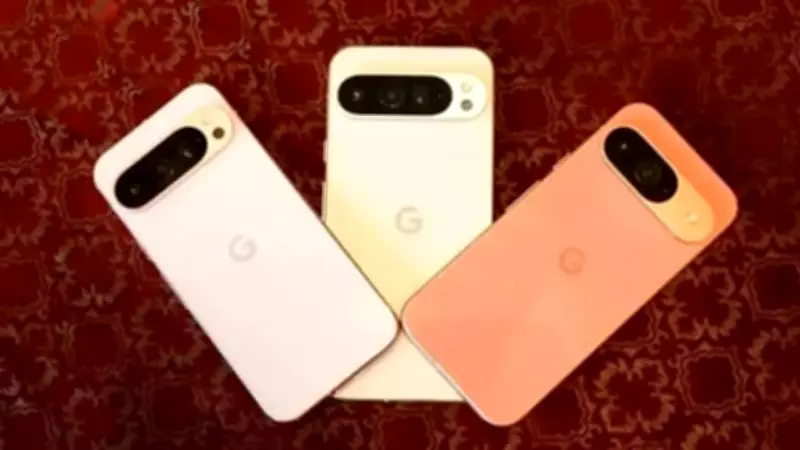
Google's March 2026 feature drop for Pixel devices appears to be causing significant display-related issues for numerous users, particularly those with the latest Pixel 10 and Pixel 10 Pro models. Multiple reports indicate that the Always-on Display (AOD) feature is freezing, rendering phones unresponsive on the lock screen and requiring forced reboots to restore functionality.
Scope and Severity of the Display Freezing Issue
According to user complaints documented on platforms like Reddit and detailed in an Android Police report, the problem manifests in various ways. Some devices experience temporary freezes lasting a few seconds, while others remain completely stuck until manually restarted. In more severe cases, the freezing extends beyond the Always-on Display to affect the entire lock screen, disrupting basic phone operations.
The issue appears most prevalent on the Pixel 10 series, though some Pixel 9 users have reported similar behavior. Notably, there are minimal reports from Pixel 8 or Pixel 7 owners, suggesting the problem may be specific to newer hardware configurations or software optimizations for recent models.

Historical Context and Recurring Nature of the Bug
This is not the first time Pixel 10 users have encountered Always-on Display problems. Similar complaints emerged shortly after the device's initial launch and resurfaced following the Android 16 QPR2 update in December 2025. The recurrence of identical issues across multiple updates indicates an underlying software problem that Google has yet to fully resolve.
The persistence of this bug raises legitimate concerns about software stability, particularly when updates are expected to enhance performance and address known vulnerabilities rather than introduce new problems.
Current Workarounds and User Frustrations
As of now, there is no confirmed permanent fix for the display freezing issue. Some users have attempted troubleshooting measures including factory resets, but these have proven ineffective. The only temporary solutions available are:
- Disabling the Always-on Display feature entirely
- Periodically restarting the phone to reduce freezing frequency
These workarounds are far from ideal, as they compromise functionality that users expect from premium devices.
Additional Changes Noted in March Update
Beyond the display problems, some users have observed modifications to the Recent Apps interface following the March update. The update reportedly removes convenient options such as directly saving images to Google Photos or launching Google Lens searches from the recent apps screen, further diminishing the user experience.
Google's Response and Future Expectations
Google has not yet issued an official statement regarding these display freezing issues. The company typically addresses such problems through subsequent updates, but the recurring nature of this particular bug suggests it may require more comprehensive attention.
Affected users must currently rely on temporary workarounds while awaiting a future update that properly addresses the display freezing and interface changes. The situation highlights the challenges of maintaining software stability across diverse hardware configurations, even for a company with Google's technical resources.