The Central Board of Secondary Education (CBSE) is set to announce the results for the Class 10 second board examination in June 2026. This examination was introduced to provide students with an opportunity to improve their performance in subjects where they scored below expectations in the main exams. As the result date approaches, the board has outlined multiple alternative methods for students to access their scorecards, ensuring a smooth and hassle-free experience even if the official website experiences heavy traffic.
Result Announcement Timeline and Key Details
According to CBSE officials, the results for the second board exam will be declared in the third week of June 2026. The exact date and time will be communicated through official channels, including the board's website and social media handles. Students who appeared for the second board exam can check their results online using their roll number and date of birth. The results will be available in the form of a scorecard, which includes subject-wise marks, grades, and overall performance indicators.
The second board exam was held in March-April 2026 for students who wished to improve their scores. Over 1.2 lakh students registered for this exam, according to CBSE data. The board has emphasized that the scorecard is a crucial document for future academic pursuits and must be downloaded and preserved securely.

Alternative Methods to Download the Scorecard
To prevent server congestion and provide easy access, CBSE offers several alternative platforms to download the scorecard. These methods are designed to be user-friendly and accessible from various devices.
1. DigiLocker
DigiLocker, the government's digital document platform, will host the CBSE scorecards. Students can log in to their DigiLocker account using their Aadhaar number or mobile number linked to the board's records. Once logged in, they can access the issued documents section and download the scorecard in PDF format. This method is particularly useful as the document remains available for future reference and can be shared digitally with educational institutions.
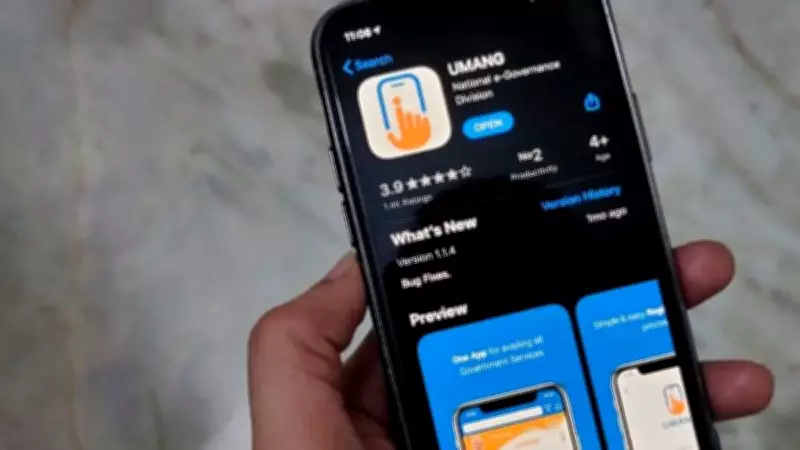
2. UMANG App
The Unified Mobile Application for New-age Governance (UMANG) app also provides access to CBSE results. Students can download the UMANG app from the Google Play Store or Apple App Store, select the CBSE service, and enter their credentials to view and download the scorecard. The app is designed to handle high traffic and offers a seamless experience.
3. SMS Service
For students without internet access, CBSE provides an SMS-based result service. By typing a specific format (e.g., CBSE10
Steps to Check Results on the Official Website
While alternative methods are available, the official CBSE website (cbse.gov.in) remains the primary platform. To check results on the website, students should visit the results page, enter their roll number, school number, and date of birth, and click submit. The scorecard will be displayed and can be downloaded or printed. The board advises students to keep multiple copies for admission and scholarship applications.
Important Points for Students
Students must verify all details on the scorecard, including name, mother's name, father's name, and subject-wise marks. In case of discrepancies, they should contact their school or the CBSE regional office immediately. The board has stated that no physical mark sheets will be issued; only the digital scorecard is valid. Students are also advised to check the result on the official website or verified apps to avoid fake result portals.
According to CBSE Controller of Examinations, Dr. Sanyam Bhardwaj, “The alternative methods are intended to make the result access convenient for all students, especially those in remote areas. We urge students to use these platforms to avoid last-minute rush and technical glitches.” The board has also set up a helpline number (1800-11-8000) for queries related to results.