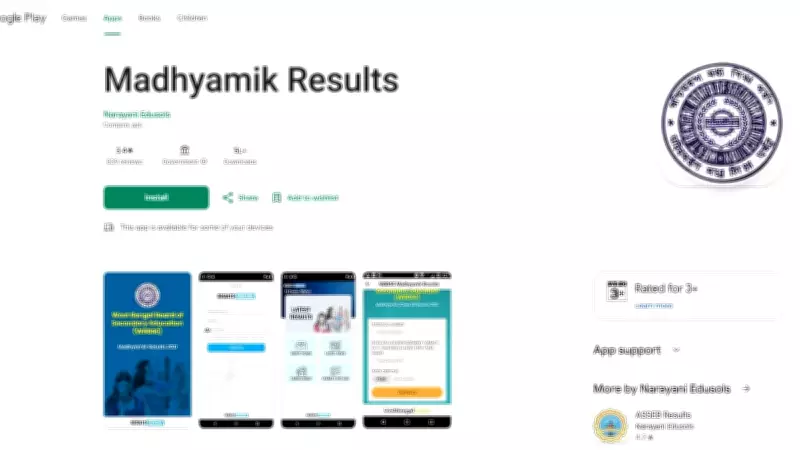
The West Bengal Board of Secondary Education (WBBSE) has announced the Madhyamik (Class 10) examination results for the year 2026. Students who appeared for the exams can now access their results through the official website and dedicated mobile applications. The result is available in the form of a marksheet PDF, which can be downloaded and printed for future reference.
How to Check WBBSE Madhyamik Result 2026 via Apps
To make the result access easier, the board has launched official apps for both Android and iOS platforms. Follow these steps to download your marksheet:
- Step 1: Download the official WBBSE app from Google Play Store or Apple App Store.
- Step 2: Open the app and select the 'Madhyamik Result 2026' option.
- Step 3: Enter your roll number and date of birth as per the admit card.
- Step 4: Click on 'Submit' to view your result.
- Step 5: The marksheet PDF will be displayed on the screen. Download and save it.
Alternative Method via Website
Students can also check their results on the official WBBSE website: wbbse.wb.gov.in. On the homepage, click on the 'Madhyamik Result 2026' link, enter the required credentials, and download the marksheet.

The board has also made arrangements for SMS and IVRS-based result checking for students without internet access. The result includes subject-wise marks, total marks, and pass/fail status. Students are advised to verify all details on the marksheet and contact the board in case of discrepancies.