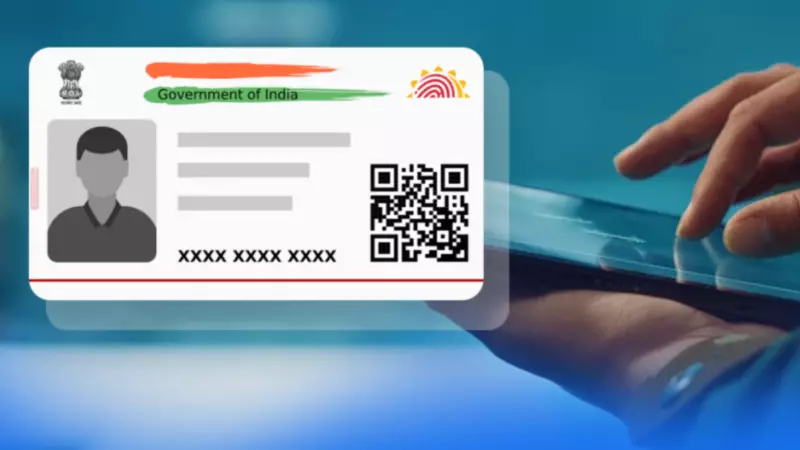
Are you worried about the security of your Aadhaar number? Many users feel concerned about protecting their personal data in today's digital world. The Unique Identification Authority of India (UIDAI) understands these worries. That's why they introduced a powerful tool called the "Aadhaar Lock/Unlock" feature. This feature gives you direct control over how your Aadhaar number gets used for authentication.
What Does the Aadhaar Lock Feature Do?
When you activate the Aadhaar lock, it temporarily blocks authentication using your actual Aadhaar number, known as your UID. This means that banks, government agencies, or other service providers cannot verify your identity with your UID number while it remains locked. The feature restricts all authentication methods that rely on your UID, including biometric scans, demographic checks, and one-time passwords (OTP).
Important note: Locking your Aadhaar does not completely stop all authentication. You can still use your Virtual ID (VID) for verification purposes. The VID is a temporary 16-digit number that links to your Aadhaar but offers an extra layer of privacy.

How to Lock Your Aadhaar Number
You have two convenient options to lock your Aadhaar. Both methods are straightforward and designed for user convenience.
Method 1: Using the UIDAI Official Website
- Visit the UIDAI website at myaadhaar.uidai.gov.in.
- Look for the "My Aadhaar" section and click on "Aadhaar Lock & Unlock" services.
- Select the "UID Lock" option and enter your Aadhaar number, full name, and PIN code.
- Choose to receive an OTP via SMS or use a Time-based One Time Password (TOTP) from the mAadhaar app.
- Enter the OTP or TOTP and submit your request.
- You will receive a confirmation message once your Aadhaar gets successfully locked.
Method 2: Using the mAadhaar Mobile App
- Download and install the mAadhaar app from the Google Play Store or Apple App Store.
- Log in using your registered mobile number and verify with an OTP.
- Go to the "Services" section and select "Aadhaar Lock/Unlock."
- Choose "Lock Aadhaar" and follow the instructions on your screen. You may need to enter your Aadhaar number and an OTP for verification.
How to Unlock Your Aadhaar When Needed
Sometimes you might need to unlock your Aadhaar for specific services. The process is simple but requires your latest 16-digit VID. If you forget your VID, you can retrieve it through SMS services provided by UIDAI.
- Visit the UIDAI resident portal for Aadhaar lock/unlock services.
- Select the "Unlock" radio button.
- Enter your latest VID and the security code displayed on the screen.
- Click on "Send OTP" or choose TOTP, then click "Submit."
- Your UID will unlock successfully, allowing authentication to resume.
Using the Aadhaar Lock/Unlock feature puts you in charge of your digital identity. It enhances security and gives peace of mind by letting you decide when your Aadhaar number can be used. Remember to keep your VID handy if you plan to unlock your Aadhaar frequently.