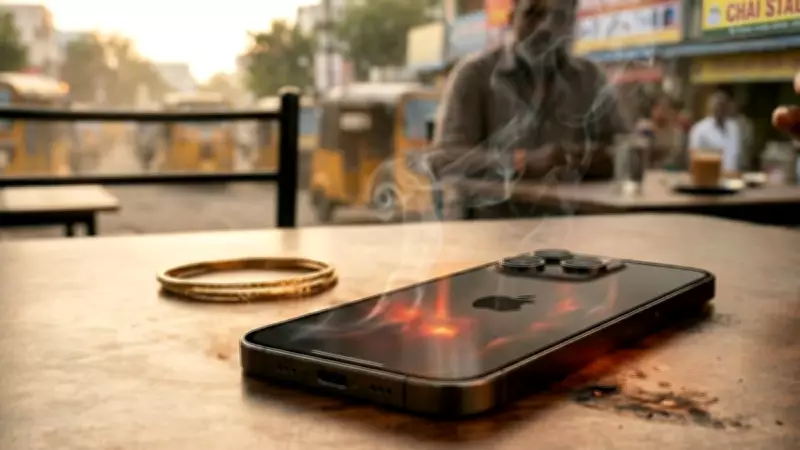
As summer temperatures soar across India, many iPhone users are reporting that their devices are getting uncomfortably hot. While it is normal for smartphones to warm up during use, excessive heat can harm battery life and performance. This article explores the common reasons why iPhones overheat in summer and provides practical solutions to keep your device cool.
Why Does iPhone Overheat in Summer?
Several factors contribute to iPhone overheating during hot weather. Direct sunlight exposure is a primary cause. Leaving your iPhone in a car or under the sun can quickly raise its internal temperature. Additionally, resource-intensive activities like gaming, video streaming, or using GPS navigation for extended periods generate extra heat. Background apps, outdated software, and faulty chargers can also lead to overheating.
Common Causes
- High Ambient Temperature: India's summer heat can push iPhone temperatures beyond normal limits.
- Intensive App Usage: Playing graphics-heavy games or using augmented reality apps for long durations.
- Direct Sunlight: Using the phone outdoors under direct sun or leaving it on a dashboard.
- Charging While Using: Charging the iPhone while running demanding apps increases heat.
- Thick Cases: Insulating cases trap heat, preventing dissipation.
- Software Bugs: Outdated iOS versions may cause inefficient processing, leading to heat.
Easy Fixes to Cool Down Your iPhone
Here are simple steps to prevent or reduce overheating:

Immediate Actions
- Remove the Case: Take off any thick or non-breathable case to allow heat to escape.
- Move to Shade: Get the phone out of direct sunlight and into a cooler environment.
- Close Background Apps: Double-tap the Home button or swipe up from the bottom to close unused apps.
- Stop Charging: Unplug the charger if the phone is hot while charging.
- Turn Off Intensive Features: Disable Bluetooth, Wi-Fi, or GPS if not needed.
Long-Term Tips
- Update iOS: Ensure your iPhone runs the latest iOS version, as updates include performance and thermal management improvements.
- Avoid Direct Sunlight: Keep the phone in a bag or pocket when outdoors.
- Limit Usage While Charging: Avoid gaming or streaming during charging.
- Use Official Chargers: Third-party chargers may cause overheating; use Apple-certified accessories.
- Reduce Screen Brightness: Lower brightness or enable auto-brightness to reduce heat.
- Enable Low Power Mode: This reduces background activity and can help cool the device.
When to Seek Professional Help
If your iPhone frequently overheats even after following these tips, it may indicate a hardware issue. Contact Apple Support or visit an authorized service center. Persistent overheating can damage the battery or internal components.
By understanding the causes and applying these fixes, Indian iPhone users can enjoy their devices even during the hottest months. Stay cool and keep your iPhone cool too!