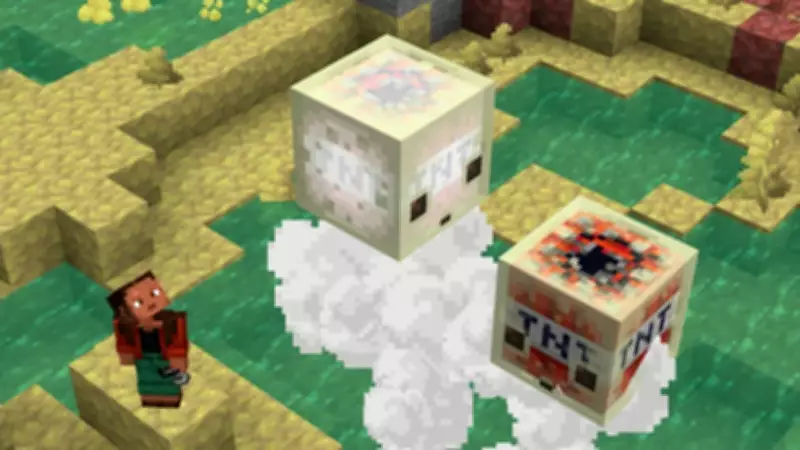
Minecraft Bedrock 26.40.20 beta and preview have officially been released, offering players a glimpse at all the upcoming features that will arrive as part of the game's future stable releases. This update introduces several new features and bug fixes across graphical improvements, biomes, and more. Mojang releases beta and preview versions to test upcoming content and ensure it is ready for full integration. With the Minecraft Bedrock 26.40.20 beta now available for download, you can install it on your device to try out the latest additions.
Steps to Download Minecraft Bedrock 26.40.20 Beta and Preview
The Minecraft Bedrock 26.40.20 beta and preview are here, and you can download them on PC, Xbox, PlayStation, and mobile devices. The process is straightforward, and the steps outlined below will guide you through it.
Windows 10/11 (PC)
Start by opening the Minecraft Launcher on your PC and selecting Minecraft: Bedrock Edition from the left sidebar. Next, click the drop-down icon next to the Play button. This will show a list of options; select Latest Preview. The launcher will then install the Minecraft Bedrock 26.40.20 preview.

Xbox One and Xbox Series X|S
Open the Game Store or the Game Pass Library on your Xbox. Use the search option to find Minecraft Preview. Once it appears, click the Install button. The preview will then be downloaded to your Xbox.
PlayStation 4 and PlayStation 5
On your PlayStation, locate Minecraft on the home screen. Navigate to the left sidebar and scroll down to find the Preview option. Finally, press Get PlayStation 4/5 Preview to download it to your PS4 or PS5.
Pocket Edition (Android and iOS)
Android (Google Play Store)
Open the Google Play Store and search for Minecraft. On the game's page, scroll down and find the Beta Program. Enroll in it to download the Minecraft 26.40.20 beta and preview on your Android device.
iOS (Apple App Store)
To download the Minecraft beta on iOS devices, use the TestFlight app. Open the app and complete the sign-up for Minecraft's preview. You will receive a link to the beta version via email, from which you can download it.
That covers everything you need to know about downloading the Minecraft 26.40.20 beta version. Stay updated with the latest gaming news and updates.