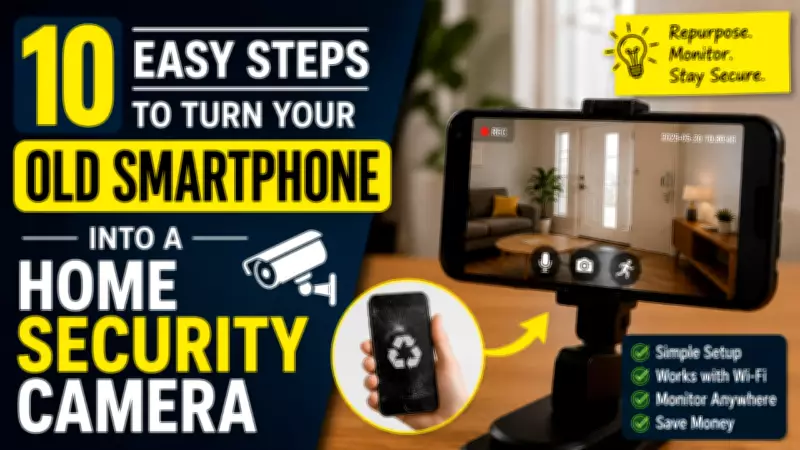
Instead of letting your old smartphone gather dust, you can transform it into a functional home security camera. This DIY project is cost-effective and easy to set up, requiring only a few tools and apps. Here are 10 simple steps to repurpose your device.
Step 1: Clean and Prepare Your Phone
Remove any personal data by performing a factory reset. Ensure the battery is in good condition and charge it fully. Clean the camera lens for clear video.
Step 2: Install a Security Camera App
Choose a reliable app like AlfredCamera, Manything, or IP Webcam. Download it from the app store on your old phone and install it.

Step 3: Create an Account
Open the app and sign up for an account. This will allow you to view the camera feed from your primary device.
Step 4: Set Up the Camera Mode
On the old phone, select the option to use it as a camera. Follow the app's instructions to configure settings like video quality and motion detection.
Step 5: Position the Phone
Place the phone in a strategic location, such as near an entrance or in a living room. Use a stand or mount to hold it steady. Ensure it has a clear view of the area.
Step 6: Connect to Wi-Fi
Make sure the old phone is connected to a stable Wi-Fi network. This is crucial for streaming video to your primary device.
Step 7: Adjust Camera Settings
Fine-tune settings like night vision, recording length, and alerts. Enable motion detection to receive notifications when activity is detected.
Step 8: Test the Connection
On your primary smartphone, open the same app and log in to your account. Check if the live feed is clear and responsive. Adjust the angle if needed.
Step 9: Secure the Setup
Use a password for the app and consider enabling two-factor authentication. Keep the old phone's software updated to prevent security vulnerabilities.
Step 10: Monitor and Maintain
Regularly check the camera feed and ensure the phone remains charged. You can set up a charging schedule or use a long USB cable for continuous power.
By following these steps, you can effectively repurpose your old smartphone into a reliable home security camera, saving money and enhancing your home's safety without additional hardware costs.