

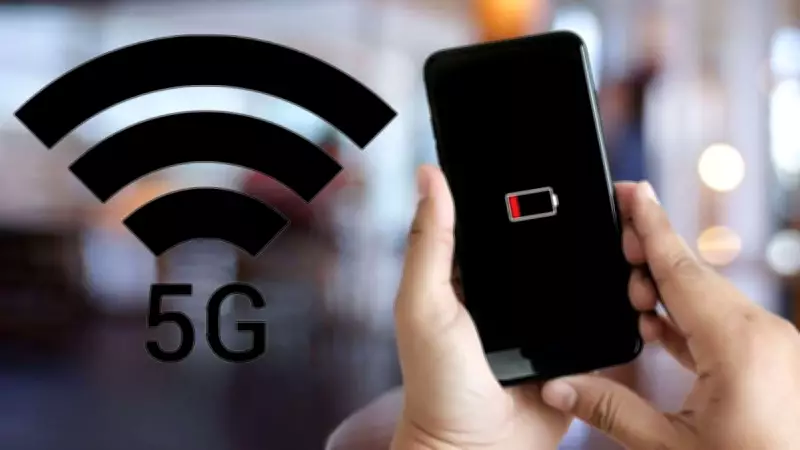
Many smartphone users have noticed that their device's battery drains faster when connected to 5G networks. This phenomenon is not just a coincidence but a result of several technical factors inherent to 5G technology. Understanding why this happens and how to mitigate it can help users get the most out of their devices while enjoying the benefits of faster connectivity.
Why Does 5G Drain Battery Faster?
5G networks operate on higher frequency bands, which require more power to transmit and receive signals. Unlike 4G, 5G uses advanced technologies like Massive MIMO (Multiple Input Multiple Output) and beamforming, which demand additional processing power from the smartphone's modem and antenna systems. Additionally, 5G's dynamic spectrum sharing (DSS) and the need to maintain connections with both 4G and 5G networks simultaneously (in non-standalone mode) further increase power consumption.
How to Fix Battery Drain on 5G
1. Switch to 4G When Not Needed
Most smartphones allow users to manually switch from 5G to 4G LTE. When you are not performing data-intensive tasks like streaming HD video or downloading large files, switching to 4G can significantly extend battery life. This can be done in the network settings under 'Mobile Network' or 'Cellular Data Options'.

2. Enable Battery Saver Mode
Battery saver modes reduce background activity, lower screen brightness, and limit performance to conserve power. Many phones also have an adaptive battery feature that learns your usage patterns and optimizes power distribution accordingly. Enabling these modes while on 5G can help manage the extra drain.
3. Disable 5G Standalone Mode
Some carriers offer standalone (SA) 5G, which is more power-hungry than non-standalone (NSA) mode. If your phone allows, you can disable SA 5G in the network settings to reduce battery consumption. This option is often found in 'Preferred Network Type' or '5G Mode'.
4. Update Software and Carrier Settings
Manufacturers and carriers frequently release updates that optimize 5G power consumption. Ensure your phone's operating system and carrier settings are up to date. These updates often include improvements to modem firmware and network handover algorithms.
5. Turn Off 5G When on Wi-Fi
When connected to Wi-Fi, your phone does not need 5G for internet access. Turning off mobile data or switching to 4G while on Wi-Fi can prevent unnecessary battery drain. Some phones have an option to automatically switch to Wi-Fi preferred mode.
6. Manage Background App Refresh
Apps running in the background can consume data and power, especially on 5G. Limit background app refresh for non-essential apps in the settings. Additionally, disable automatic updates and push notifications for apps that are not critical.
7. Use Dark Mode
If your phone has an OLED display, using dark mode can save battery because black pixels are turned off. This is particularly effective when combined with 5G, as the display is a major power consumer.
When to Use 5G
Despite the battery drain, 5G offers significant advantages for tasks that require high bandwidth and low latency. Use 5G for activities like streaming high-resolution video, online gaming, video calls, and downloading large files. For everyday tasks like browsing social media or checking emails, 4G is sufficient and more battery-friendly.
Future Improvements
Smartphone manufacturers and chipset makers are continually working on improving 5G power efficiency. Newer modems, such as the Snapdragon X70 and X75, feature advanced power management technologies like AI-based optimization and dynamic signal boosting. As 5G networks mature and devices become more optimized, battery drain issues are expected to diminish.
In conclusion, while 5G does consume more battery than 4G, users can take several steps to mitigate the impact. By adjusting network settings, enabling battery-saving features, and being mindful of usage, it is possible to enjoy the speed of 5G without constantly worrying about your battery level.