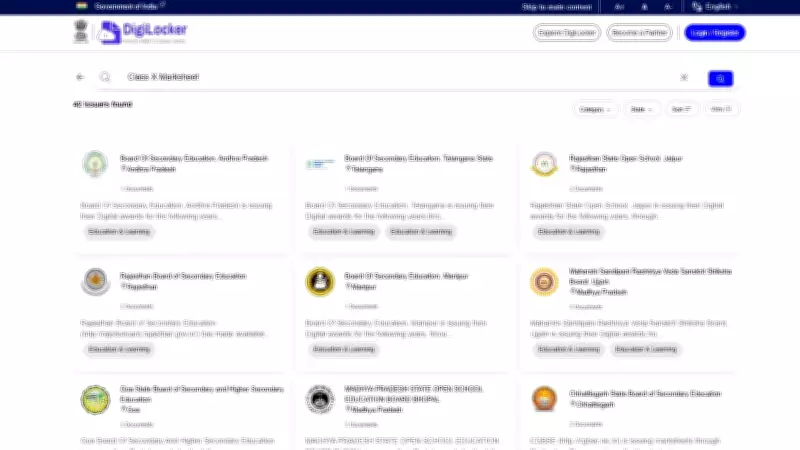
The Gujarat Secondary and Higher Secondary Education Board (GSEB) has made the SSC (Class 10) scorecards available through the DigiLocker platform. This initiative allows students to access their marksheets digitally, eliminating the need for physical copies. The scorecard includes subject-wise marks, total marks, and overall percentage.
How to Download GSEB SSC 10th Scorecard via DigiLocker
Students can follow these steps to download their scorecard from DigiLocker:
- Visit the official DigiLocker website or open the mobile app.
- Log in using your Aadhaar number or registered mobile number.
- Navigate to the 'Issued Documents' section.
- Search for 'GSEB SSC 10th Scorecard' or select the board from the list.
- Enter your seat number and date of birth as required.
- Click on 'Get Document' to view your scorecard.
- Download and save the PDF for future reference.
Important Details on the Scorecard
The scorecard contains essential information such as student's name, roll number, school name, subject-wise marks (theory and practical), total marks, and grade obtained. Students are advised to verify all details carefully and report any discrepancies to the board immediately.

Benefits of DigiLocker Scorecard
- Easy access anytime, anywhere.
- No risk of losing physical documents.
- Digitally signed and legally valid.
- Can be shared directly with institutions.
The GSEB SSC examinations were conducted in March 2026, and results were announced in May. This digital scorecard initiative is part of the board's efforts to promote paperless documentation and ease student access to academic records.