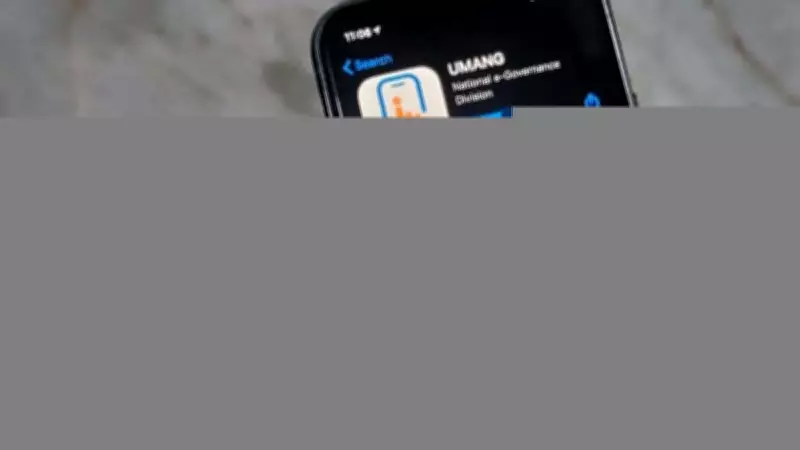
The Maharashtra State Board of Secondary and Higher Secondary Education (MSBSHSE) has officially declared the HSC (Class 12) results for the year 2026. Students who appeared for the Maharashtra Board 12th examinations can now access their scorecards through multiple channels, including the official website and the UMANG mobile application.
How to Download MSBSHSE HSC Scorecard via UMANG App
The UMANG app provides a convenient way for students to view and download their marksheets. Follow these steps:
- Download and install the UMANG app from the Google Play Store or Apple App Store.
- Open the app and register using your mobile number.
- Search for 'Maharashtra Board' in the search bar.
- Select 'HSC Result' from the list of services.
- Enter your seat number and mother's first name as per the hall ticket.
- Click on 'Get Result' to view your scorecard.
- Download and take a printout for future reference.
Alternative Methods to Check Result
Students can also check their results on the official MSBSHSE website at mahresult.nic.in. Additionally, results are available via SMS and other regional portals.

Details Mentioned on the Scorecard
The marksheet includes the student's name, seat number, subject-wise marks, total marks, percentage, and grade. It is important to verify all details carefully and report any discrepancies to the board immediately.
The Maharashtra Board HSC exams were conducted in February and March 2026, with lakhs of students appearing across the state. The result announcement brings relief to students as they plan their higher education and career paths.