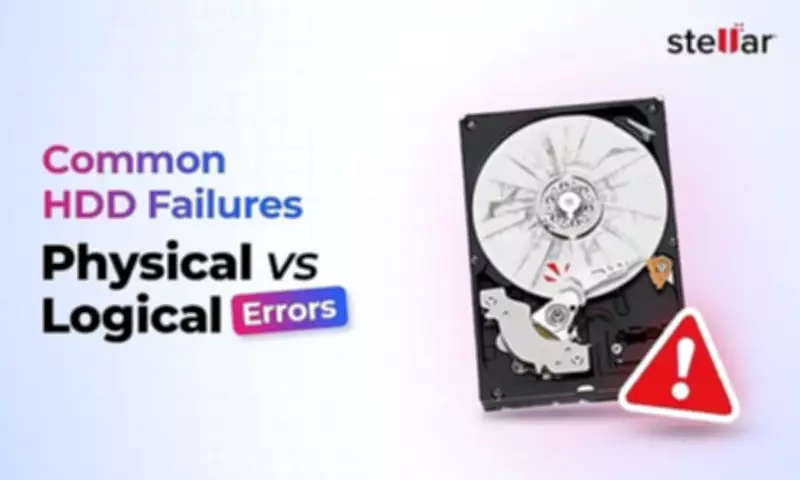
Understanding Hard Disk Drive Failures: A Technical Deep Dive
Hard disk drives (HDDs) remain a critical component in data storage for many users and systems, yet they are prone to various failures that can lead to data loss. This article provides a comprehensive technical insight into the top five common HDD issues, categorizing them into physical and logical failures to help users identify, prevent, and address these problems effectively.
1. Physical Failures: When Hardware Components Break Down
Physical failures occur when the mechanical or electronic parts of an HDD malfunction. These issues often require professional intervention for repair or data recovery.
- Head Crashes: One of the most severe physical failures, a head crash happens when the read/write head makes contact with the spinning platter, causing physical damage. This can result from shocks, drops, or wear over time, leading to irreparable data loss if not addressed promptly.
- Motor Failures: The spindle motor that rotates the platters can fail due to overheating, power surges, or mechanical wear. Symptoms include unusual noises like grinding or clicking, and the drive may not spin up at all, preventing access to data.
- Platter Damage: Physical scratches or corrosion on the platters, where data is magnetically stored, can occur from environmental factors like humidity or contaminants. This damage often renders data unrecoverable without specialized equipment.
2. Logical Failures: Software and Data-Related Problems
Logical failures involve issues with the file system, software, or data integrity, rather than physical hardware damage. These can sometimes be resolved with software tools or professional data recovery services.

- File System Corruption: Corruption in the file system structure, such as in NTFS or FAT, can make files inaccessible or cause the operating system to fail to recognize the drive. This often results from improper shutdowns, malware, or software bugs.
- Bad Sectors: Over time, HDDs can develop bad sectors—areas on the platter that cannot reliably store data. While some bad sectors are normal, an increase can indicate impending failure, leading to data loss and slow performance.
Prevention and Recovery Strategies
To mitigate HDD failures, users should implement regular backups, use surge protectors, and avoid physical shocks. For logical issues, running disk checks and using antivirus software can help. In cases of failure, consulting data recovery experts is often necessary, especially for physical damage.
By understanding these common HDD issues, users can take proactive steps to protect their data and extend the lifespan of their storage devices.