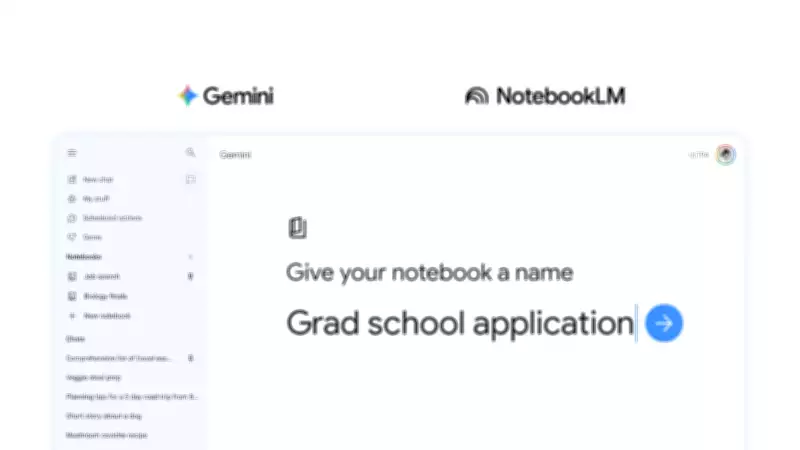
Google Unifies Gemini and NotebookLM with Innovative 'Notebooks' Feature
In a strategic move to enhance user productivity, Google is integrating two of its most advanced artificial intelligence tools. The Gemini app is receiving a groundbreaking new capability called "notebooks", which seamlessly synchronizes with NotebookLM. This integration allows users to efficiently organize chats, files, and research materials across both applications in a single, unified workspace.
What Are Notebooks and How Do They Function?
Think of notebooks as personal knowledge bases that are shared across Google's ecosystem, starting with Gemini. Users can create a notebook directly from the side panel within the Gemini app. This feature enables the migration of past chats into notebooks, attachment of documents and PDFs, and setting of custom instructions to guide Gemini's responses. Once sources are incorporated, Gemini leverages them alongside its inherent tools and web search capabilities to deliver more contextual and accurate answers.
The Power of Two-Way Synchronization
The real advantage lies in the two-way sync with NotebookLM. Any source added in one application automatically appears in the other. For instance, if you initiate a research project in Gemini, you can effortlessly switch to NotebookLM to generate a Video Overview or Infographic without the need to re-upload files. Conversely, you can ask Gemini questions about materials already compiled in NotebookLM, streamlining workflows and eliminating redundancy.

Target Audience and Practical Applications
This feature is clearly designed for individuals engaged in longer, multi-session projects. It caters to students managing semester-long notes, researchers building comprehensive source libraries, or anyone frustrated with repeatedly explaining context to an AI in new chat sessions. Google provides an illustrative example: upload class notes into a notebook, create a cinematic video summary in NotebookLM, and then return to Gemini the next day to request an essay outline from the same material.
Availability and Future Developments
Notebooks are being rolled out this week on the web for subscribers of Google AI Ultra, Pro, and Plus plans. Support for mobile devices, broader availability in Europe, and access for free users are anticipated in the coming weeks. Google has indicated that this launch is merely the first step, with additional notebook features planned for future updates to further enhance user experience and functionality.