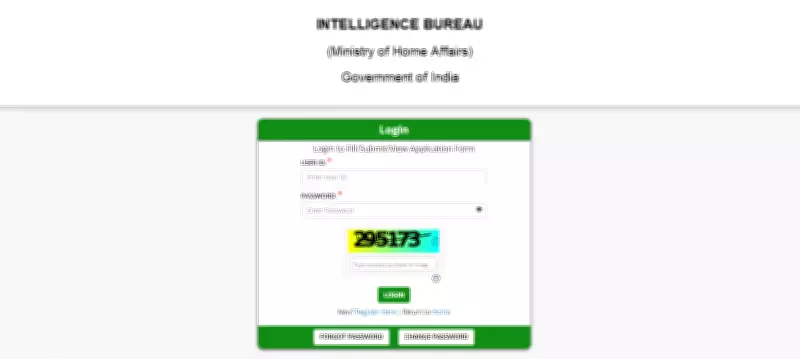
Ministry of Home Affairs Issues IB Security Assistant Tier 2 Admit Card for 2026 Recruitment
The Ministry of Home Affairs (MHA) has officially released the Tier 2 admit card for the highly anticipated IB Security Assistant and Executive recruitment examination scheduled for 2026. This crucial document is now available for download exclusively through the official MHA website. Candidates who have successfully cleared the preliminary Tier 1 stage of the selection process are eligible to access and obtain their hall tickets online.
The admit card will not be dispatched via postal mail under any circumstances, making it imperative for all qualified applicants to proactively download it from the digital portal. To retrieve the document, candidates must securely log in using their unique registration credentials, including their registration number and date of birth or password.
Importance of the Tier 2 Examination Stage
The Tier 2 examination represents a pivotal phase in the comprehensive selection procedure for the IB Security Assistant and Executive positions. This stage is critically important as it plays a decisive role in the final candidate selection and appointment process. All examinees are strongly advised to download their admit cards at the earliest opportunity to avoid any potential technical glitches or last-minute complications.

Furthermore, candidates must meticulously verify and cross-check all personal and examination details printed on the hall ticket, such as their name, photograph, examination center, date, and time, before the scheduled exam day. Any discrepancies should be immediately reported to the concerned authorities for prompt resolution.
Step-by-Step Guide to Download IB Security Assistant Tier 2 Admit Card
Prospective candidates can follow this detailed, sequential procedure to successfully download their Tier 2 admit card for the IB Security Assistant recruitment 2026:
- Navigate to the official Ministry of Home Affairs website at mha.gov.in using a stable internet connection.
- Locate and click on the ‘Recruitment’ or ‘What’s New’ section prominently displayed on the homepage.
- Identify and select the specific link labeled “IB Security Assistant/Executive Tier 2 Admit Card 2026.”
- Enter your assigned registration number along with your date of birth or the designated password in the required fields.
- Submit the entered details to authenticate and access your personalized admit card.
- Download the digital admit card and ensure you take a clear, high-quality printout for examination day and future reference.
It is highly recommended that candidates keep their login credentials readily accessible and secure to prevent any accessibility issues during the download process. Planning ahead and completing the download well in advance can help mitigate unnecessary stress and ensure a smooth examination experience.